Hello @Lokkye
it’s all good for me, the directory change (worked previously) and the credentials that pass on the first try. Great job, thank you 
No.
As mentioned previously, I am against a file-based approach, we don’t know what Node-RED is doing at the moment we read its files. If we back up file A while Node-RED is updating file B, then take file B, we end up with an A+B combo that is not coherent. And that’s not to mention all the compatibility problems between the different versions of Node-RED.
It’s just the most likely way to end up with corrupted backups.
I’m in favor of an API approach like we do with Zigbee2mqtt.
If that’s a lot of work, I’m for a first release of the Node-RED integration without necessarily having a backup in Gladys; that can come later.
Indeed you’re not wrong on that point, I hadn’t thought of it! Well spotted  !
!
I totally agree with you on that, the main thing is to know that we can do it manually and how to do it for the moment!
For the production deployment, to paraphrase Murielle Robin « So when is it planned for? » 
@lokkie
Just to report this:
After installing the nodered test image, it changed these directories in the zigbee2mqtt, mqtt, and eclipse-mosquitto containers, so these services work when you are in the gladys-test-nodered instance but no longer in the gladys instance, I suppose the gladys-test-nodered instance has its own path that forces these settings — not a problem once you know it; you just need to remove the 3 containers and their volumes then reactivate in gladys for the settings to return to normal

 !)
!)
Par contre, dans la précipitation j’ai refais mon N
Yes, 100% agreed, let’s stick to the features currently being developed — that’s already great 
@Lokkye did you add that in the PR?
Hello @Lokkye @pierre-gilles,
For the backup I made a mini-tutorial to back up the necessary Node-RED flows and send them by email… while waiting for @lokkie’s dev!!!
Turns out my screw-up this weekend inspired me
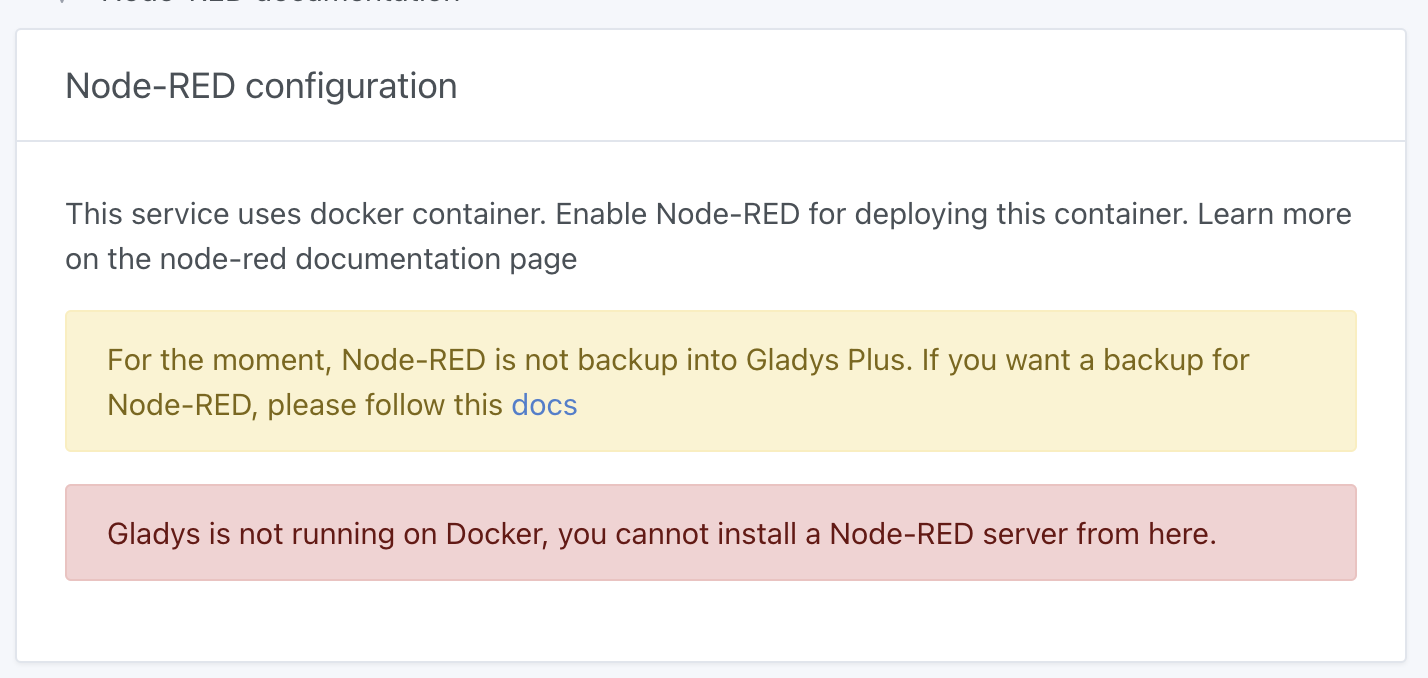
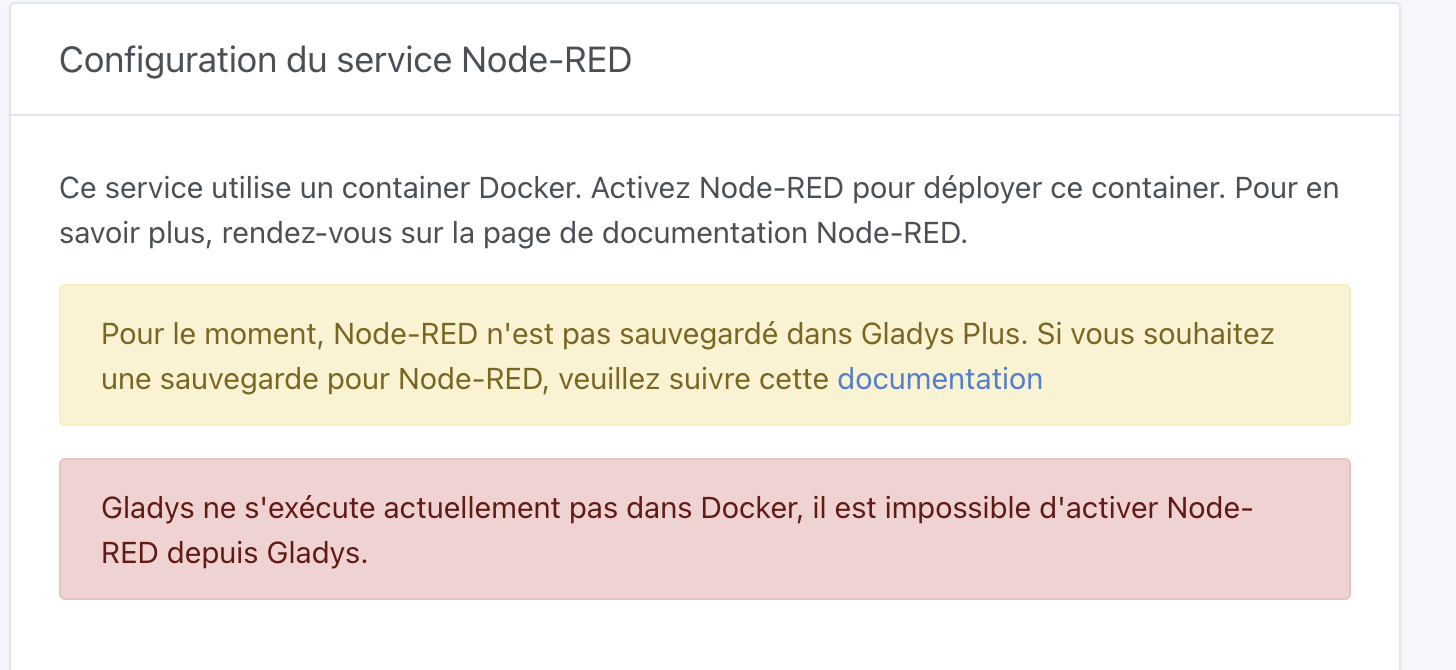
@Lokkye So I just tested the image on an actual
Hi @Lokkye, I’m missing the Node-RED documentation 
I’m not at home at the moment. I’ll do that when I get home.
That works perfectly!
However, a warning message should be added saying that disabling Node-RED uninstalls the container and deletes the current flows!!! 
(while waiting for the version that will allow preserving the data like for the zigbee2mqtt and mqtt containers  )
)
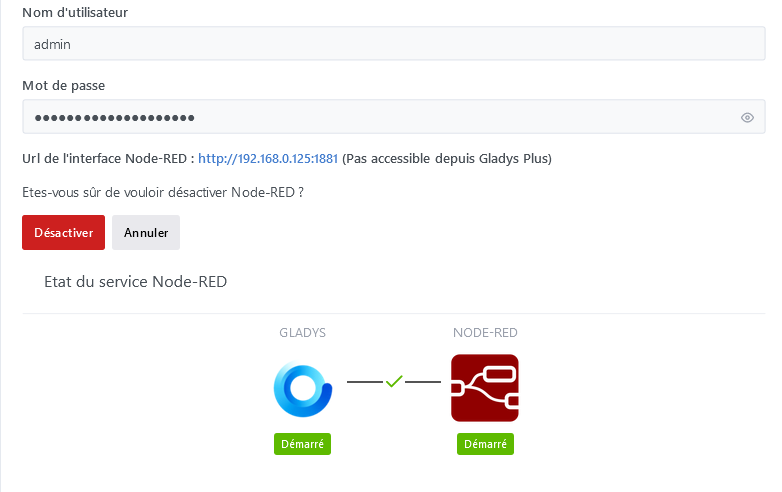
A « Redémarrer » button to restart the node-red container (sometimes necessary when it crashes) — is that possible?
But when on the system page, we stop the service (I thought that was the same as restarting the service, oops  ) well it has the same effect as « Désactiver » on the Node-Red page so it uninstalls the container and deletes the flows (I had just reloaded all the node_modules
  )
)

and then we have this on the Node-Red page so the page is not up to date
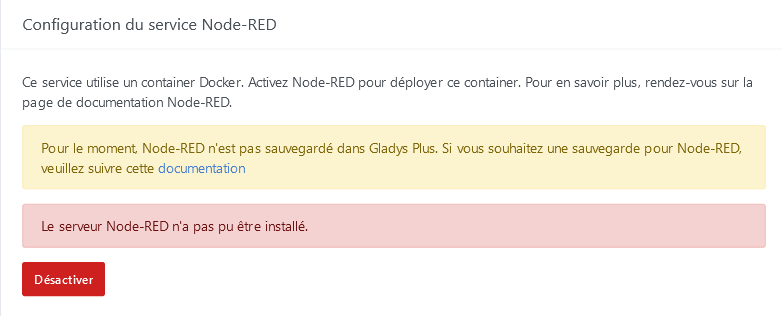
By clicking on « Désactiver » we go back to the normal situation and can reactivate without problem!
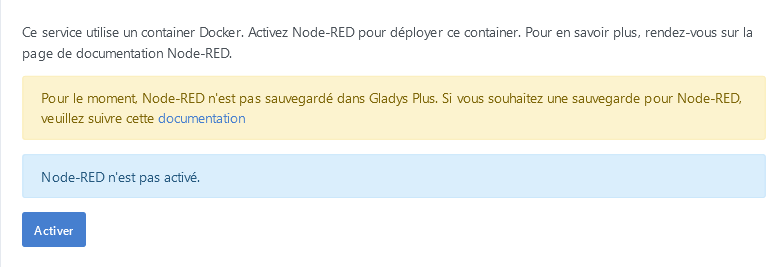
Also, I note that if we stop it externally to gladys or if the container stopped due to a bug and then we restart it manually, we end up with the same state as if we disabled it in the services. I don’t know if the page refreshes when you come to http://IP/dashboard/integration/device/node-red but it doesn’t reflect the real state of the container… so that’s some feedback!
This integration is available in Gladys Assistant 4.30, I’m closing this thread to free up votes!
For any feedback on this development, feel free to create a new topic on the forum