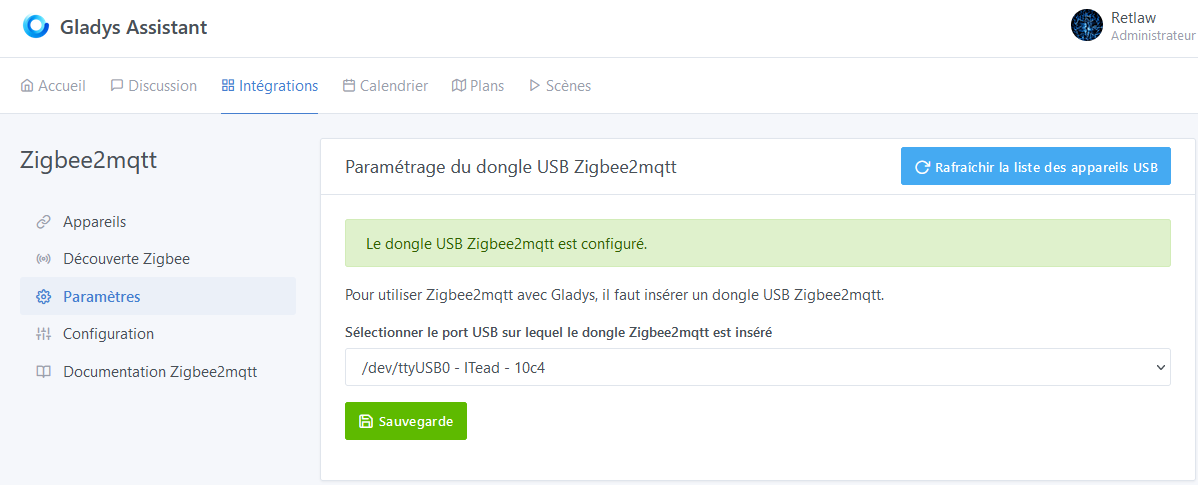
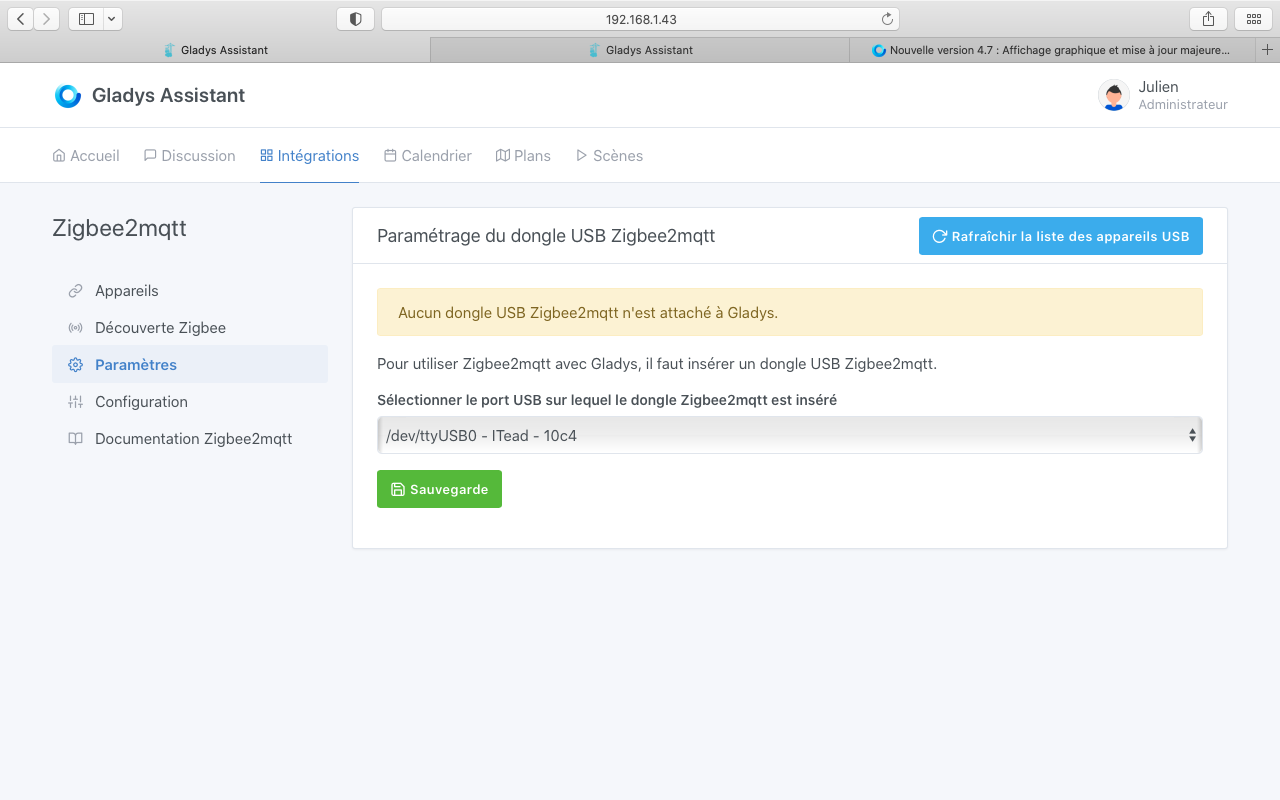
I bought the key shown in the video, it seems to be recognized by Gladys, but when I activate zigbee2mqqt, nothing happens and on the screen, I have a red cross between Gladys and myqtt… (I specify that it has been 2 days that I try, and that I wait each time for several tens of minutes as specified in the video)
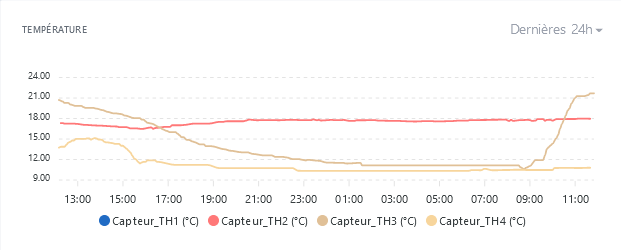
It’s funny that the display library chooses to display decimals when there aren’t any in your case.. Indeed, it’s a bit misleading in your case since your temperatures go up to 24°C ^^
You could create a GitHub issue to keep track of it, otherwise it will be lost?
What’s wrong with the current chosen colors?
Thanks!
Weird! Without additional information I wouldn’t be able to help you more… You could maybe create a post on the forum with more information?
It doesn’t change, it’s made to work in parallel (it’s not the same broker)
Uh, I’ll seem like a fool but how do you do it? Is there a section on the website?
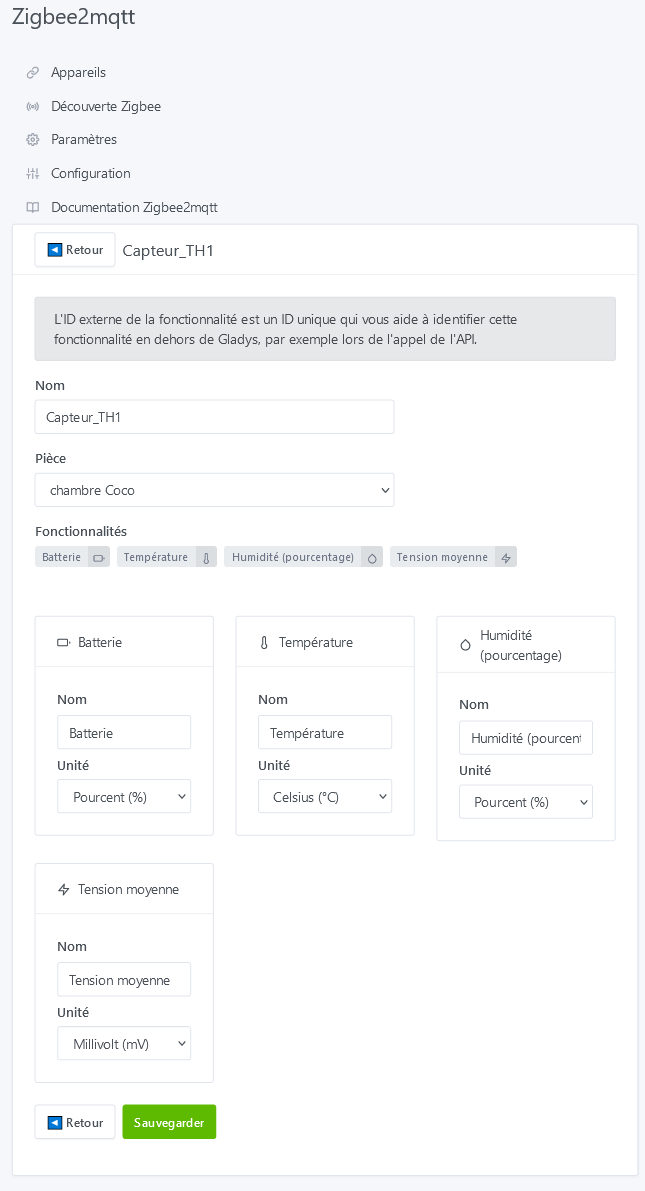
First of all, for colorblind people and to associate, for example, a color with a room (daughter’s room in red, boy in blue, kitchen in white…not the whites we wouldn’t see anything )
You create a new issue (but you have to write in English, it’s 100% in English on GitHub)
After that, well, it’s very developer-oriented what I’m asking you to do
We had done simulations, it’s normally good for the colorblind:
Ok, I’m a bit struggling to see if it’s worth investing resources in that, but well, why not You can make a feature request on the forum? If someone wants to work on it, why not … ^^
Ouch…I’ve been coding since ..whew, it’s intense ! (C, VB Dos, Vb6, Vba, Lisp, Windev but that was before group work over LAN with the big guys or WAN with GitHub) On that side, it should be fine, I just need time to put down my cane and turn my brain to « on » mode
There’s no urgency, it was just an idea for the next lockdown for those who won’t have won a permanent stay at the bone park!!!
It’s just that for example here, the color of the TH3 and TH4 sensors are almost the same!
The issue is made
Yes, I see that but out of 18 devices, I only have 6 different types and I can’t do everything I want, especially with my motion detectors, especially this
And I have some devices that are not yet integrated into gladys (2 pending)
My scenes are more basic and I need to rework them but I lack time at the moment.
Regarding my request, it would just add a request « one data or multiple data » and if multiple, how many and choice of data. It’s a comfort feature and will be used a few times but it would be appreciated I think.
No worries, that can be done later when you have a more complete setup!
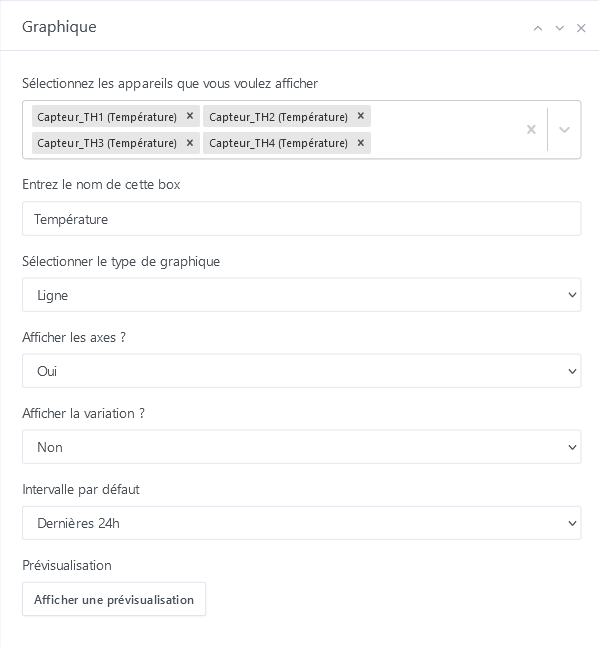
In short, a filter in the selection to only select features of the same type of devices? Example: If you select a temperature sensor, only display temperature sensors
To be seen, I have a hard time seeing how to do that without making the UI too complex, but it could be an idea. Maybe you could note it somewhere so we don’t forget?
Invited to dinner by the creator of Gladys, I wouldn’t say no, you know, we’ll definitely have plenty of interesting common topics to share Him like all the forum members in fact!
Ok. By the way, I just found a small display issue when writing variables in a message. You can only display 10 devices. To work around the problem, I put it in another block, but you need to enter the number (2) to see the device. I will also provide feedback on this.
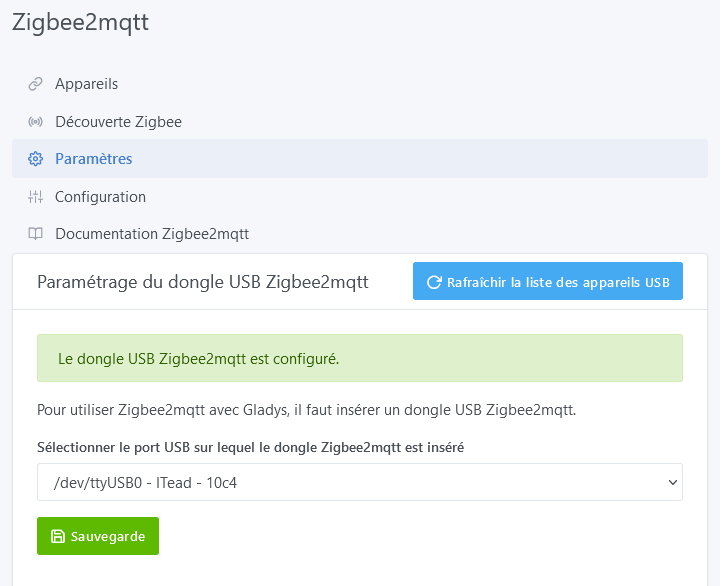
Hello to the community, I am having trouble with the zigbee integration. I bought the sonoff dongle, but when integrating, it sees the dongle well, but does not seem to save and be able to continue the ZIGBEE-SONOFF integration.
I am currently running Gladys in test mode on docker, via a Raspberry pi4.
I have been looking on the forum or elsewhere, but I am stuck now.
Hello. Can you go to Settings and see if you can start the service?
Perhaps the message « No USB dongle… » is a false message (in which case, you will need to create a GitHub issue).


 )
)
 You can make a feature request on the forum? If someone wants to work on it, why not … ^^
 ..whew, it’s intense
  ! (C, VB Dos, Vb6, Vba, Lisp, Windev but that was before group work over LAN with the big guys or WAN with GitHub) On that side, it should be fine, I just need time to put down my cane


 for those who won’t have won a permanent stay at the bone park!!!