[TUTORIAL] TEMPO tariff update

Hello Team,

following the setup of Tuto - Domotiser son lave linge avec une prise connectée and Tuto - Récupérer le prix de son abonnement d'électricité via le site data.gouv.fr - Tarifs hors tempo by @prohand, I needed to modify the retrieval of the electricity cost for my TEMPO subscription.
Here is the result on my dashboard :
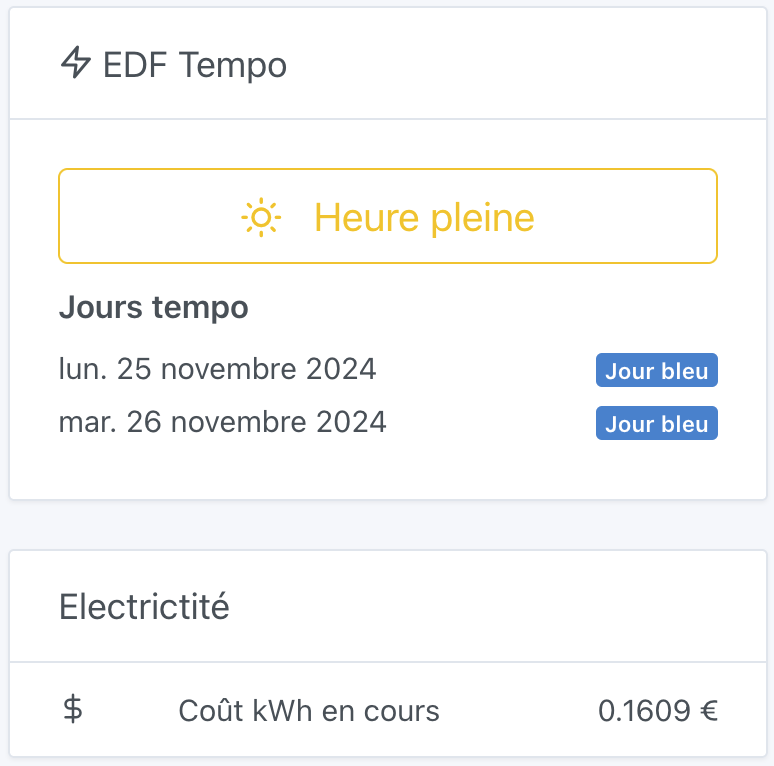
I didn’t find any opendata that could be integrated via node-red so I went with scenes and the rates are hardcoded unfortunately.
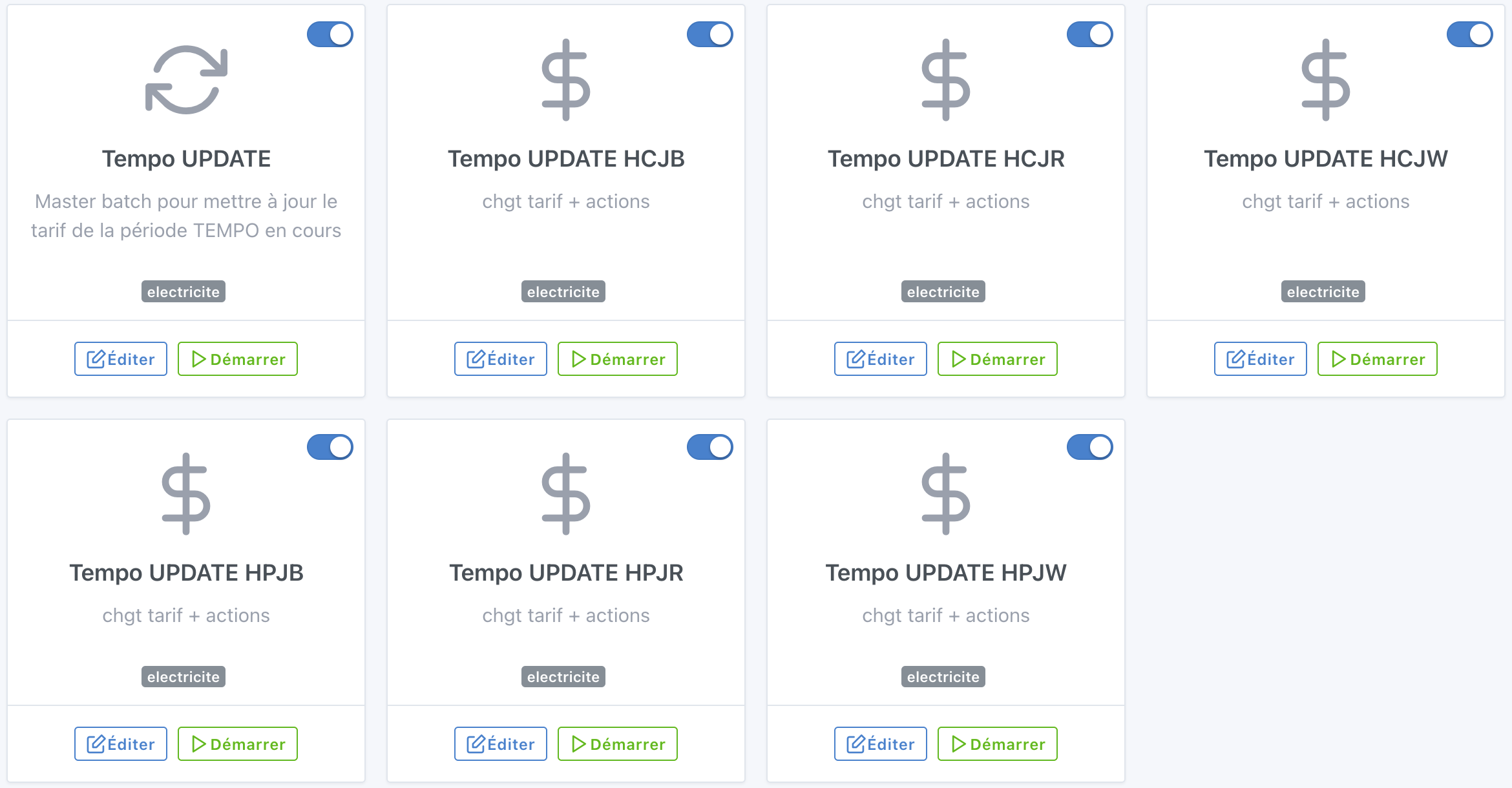
Here are the sequences :slight_smile:

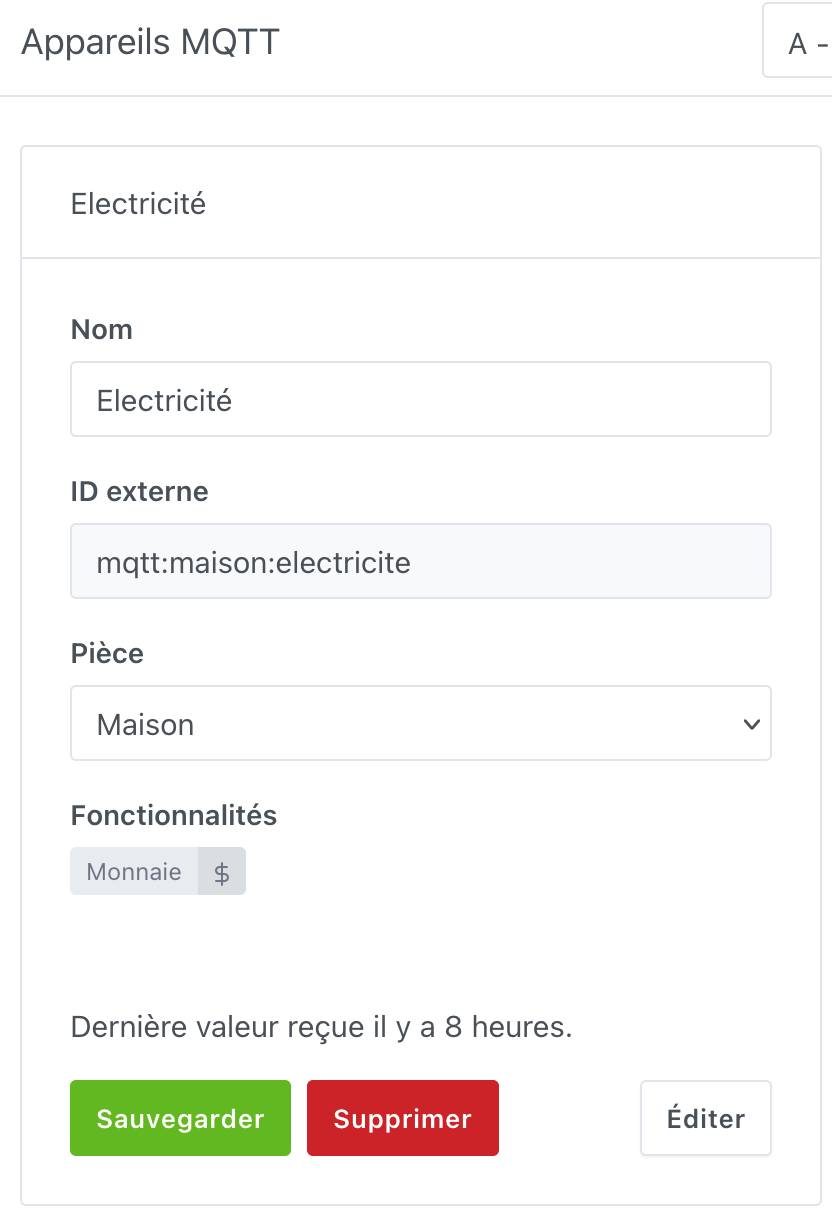
1. MQTT device creation


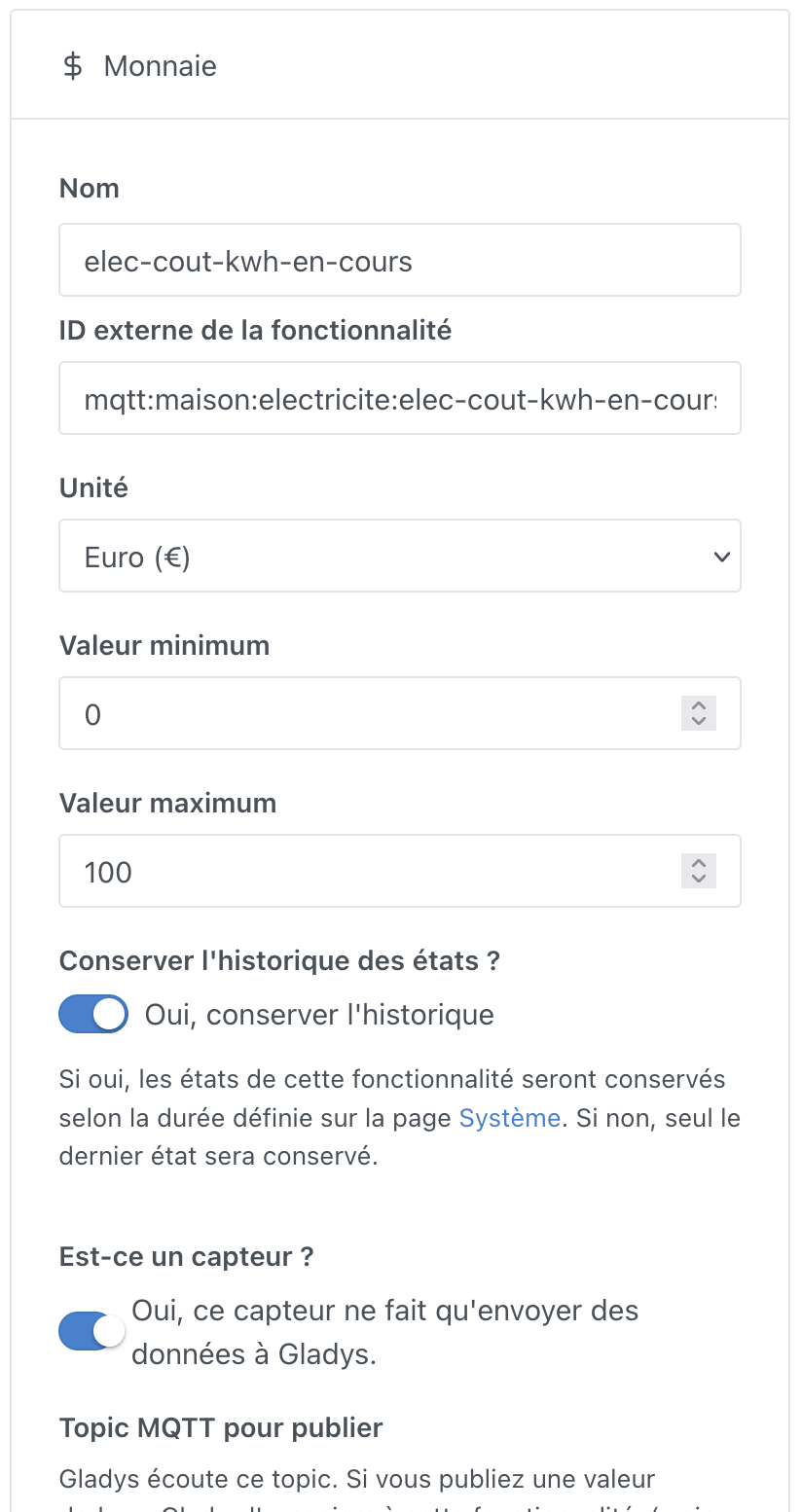
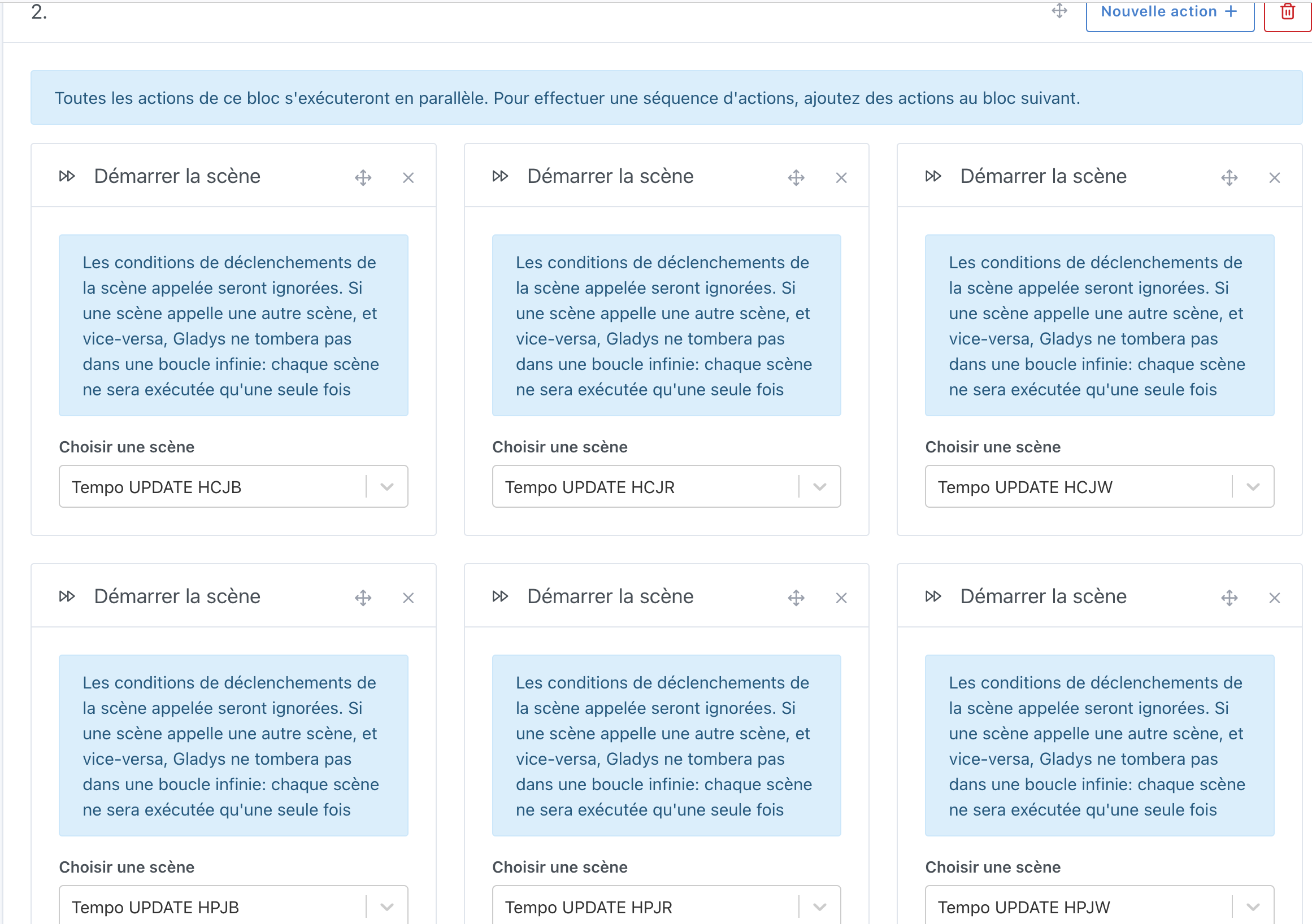
2. Scene to declare a rate (x6)
You can retrieve the rates here (rates as of 1/11/2024).
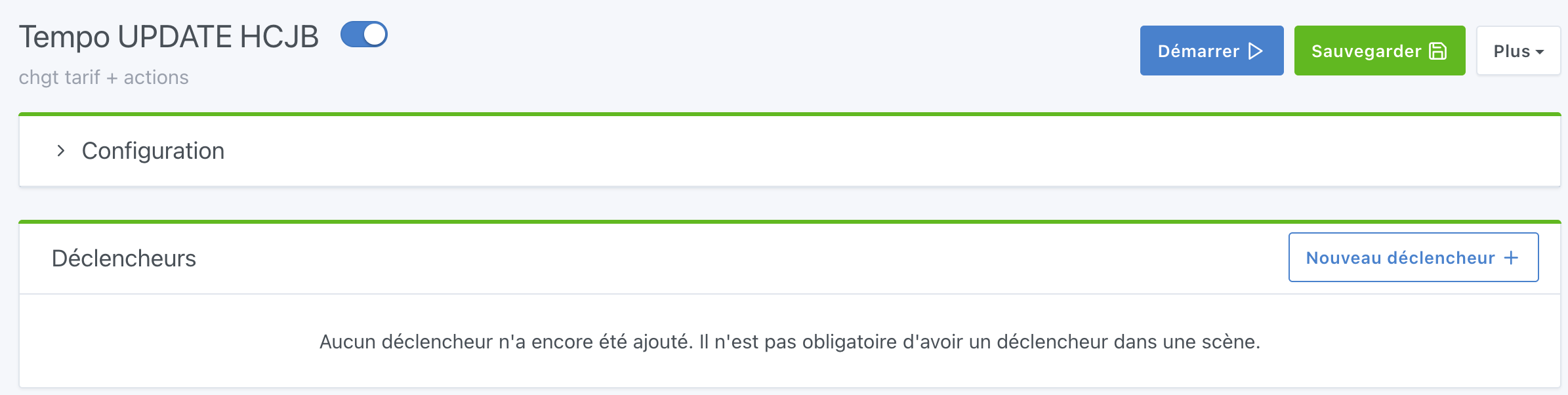
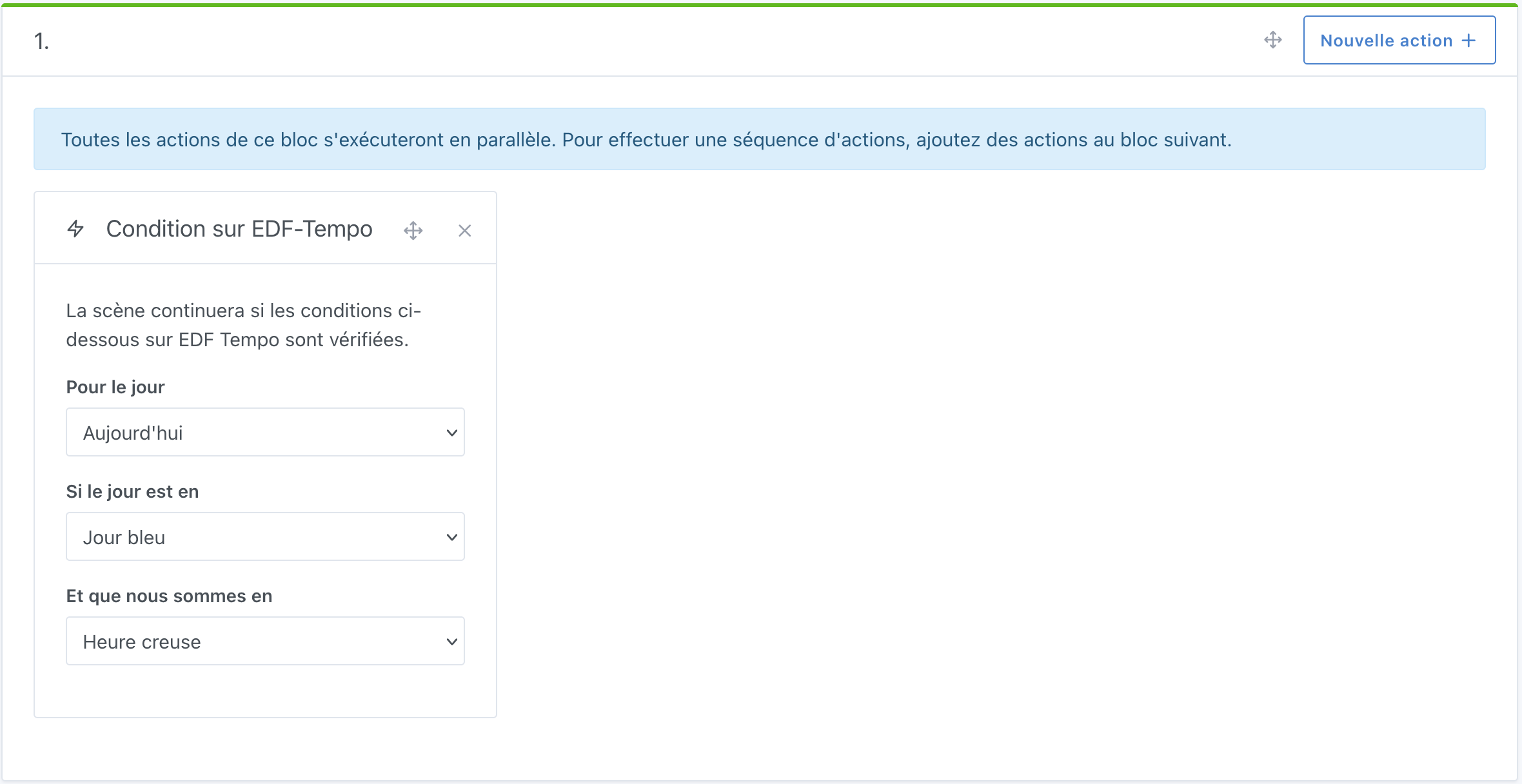
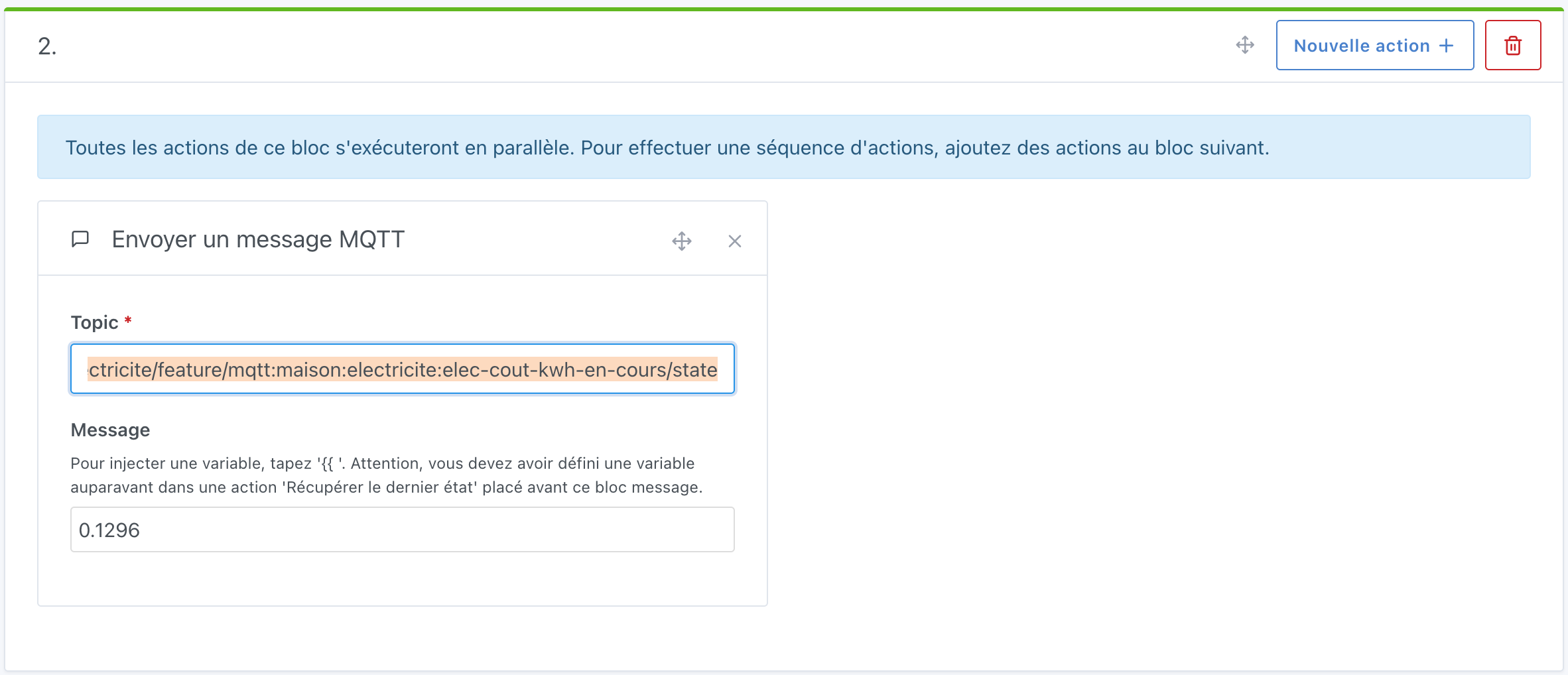
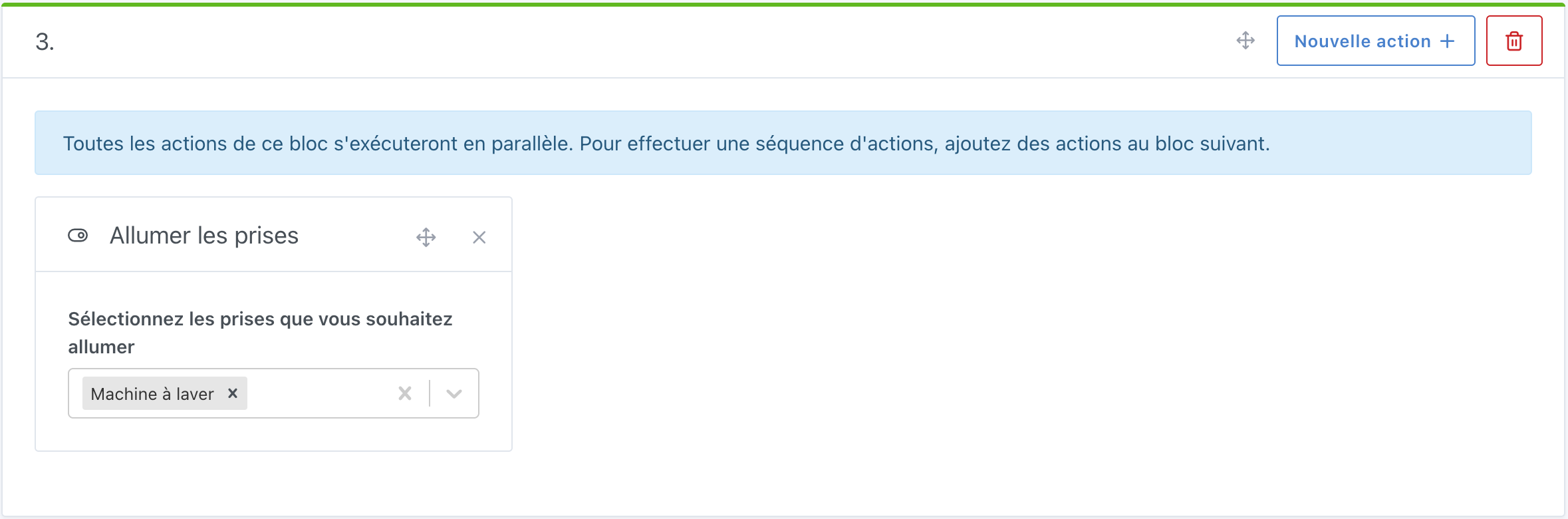
You can then duplicate this scene to create the others. Make sure not to forget to change the rate and to turn off the plugs instead of turning them on when you are in Red Peak Hours :wink:

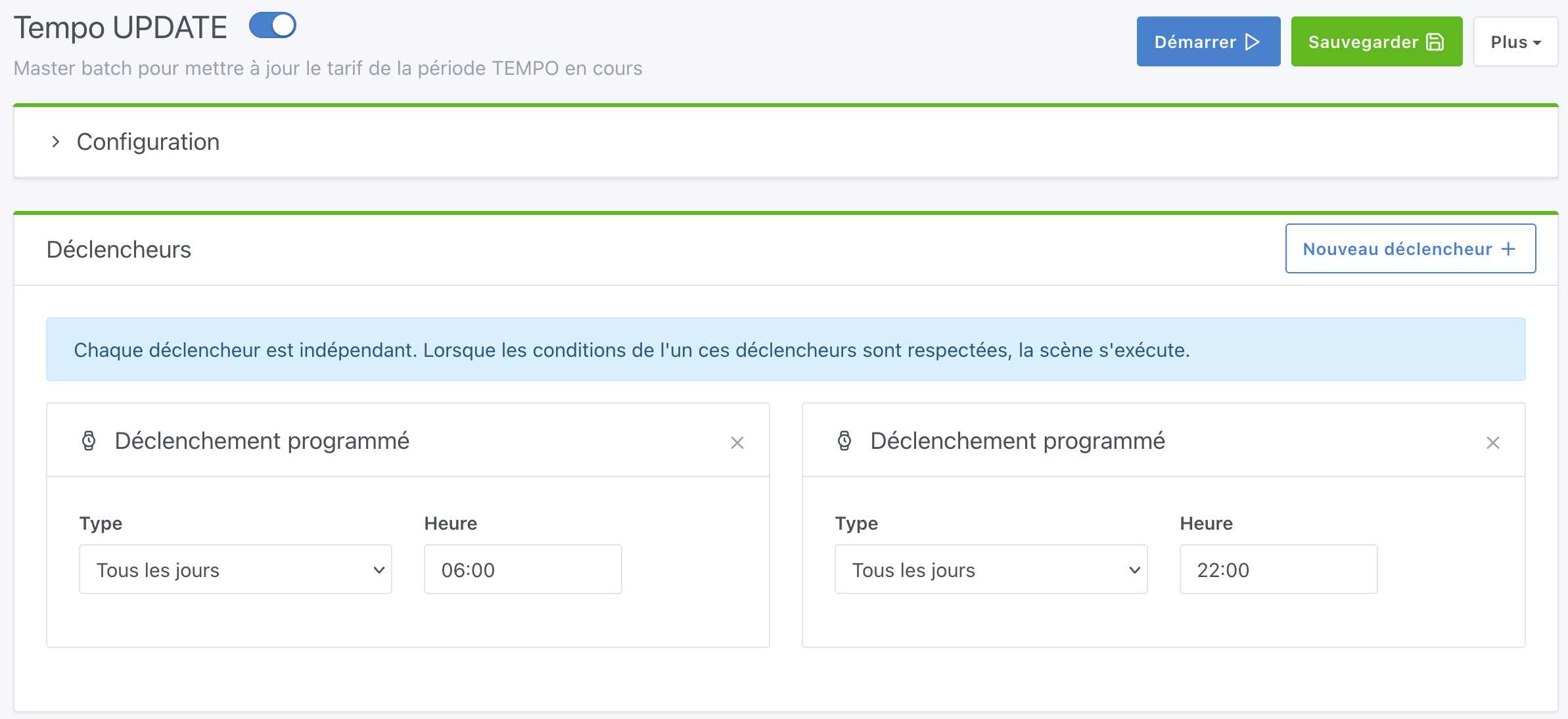
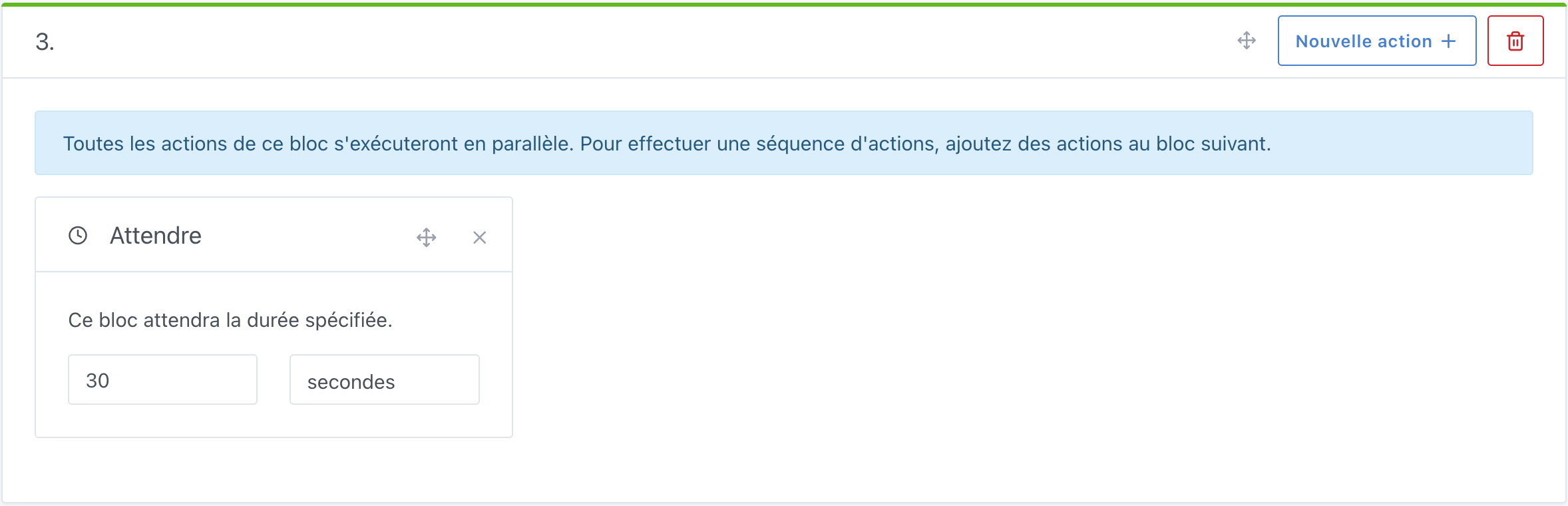
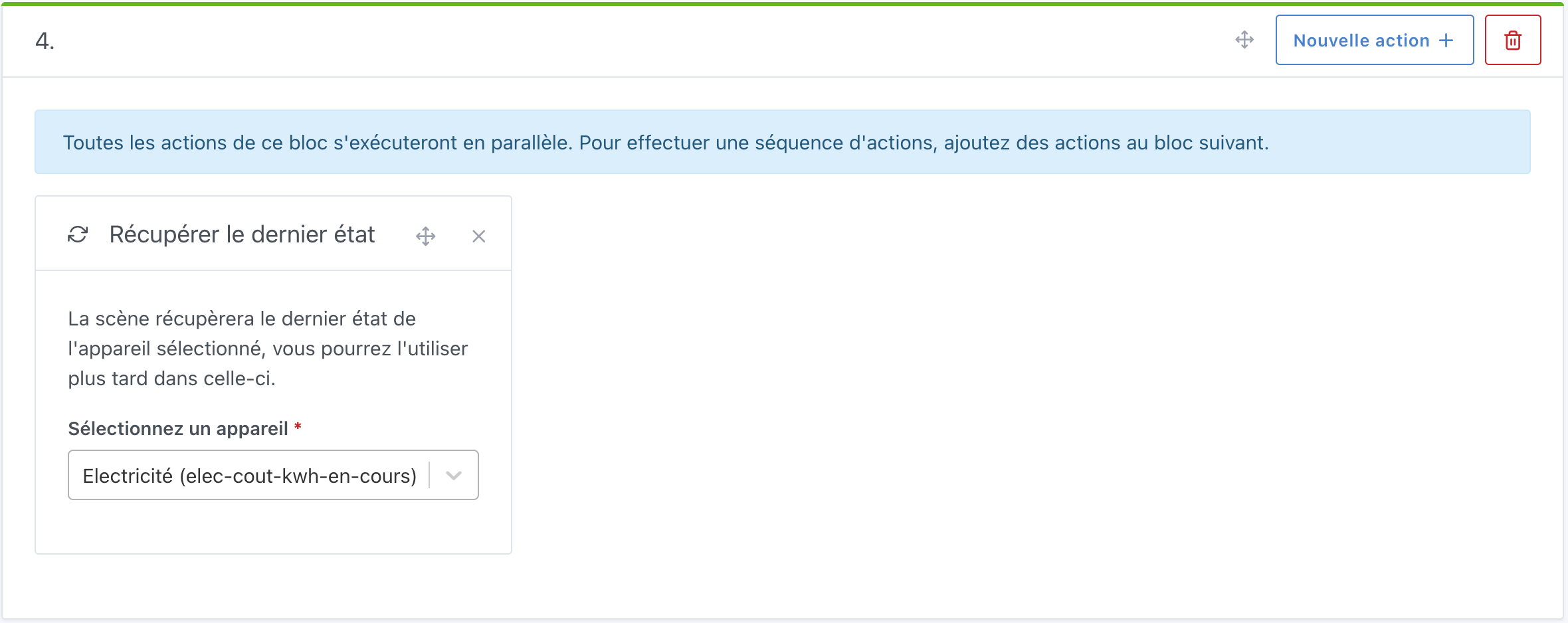
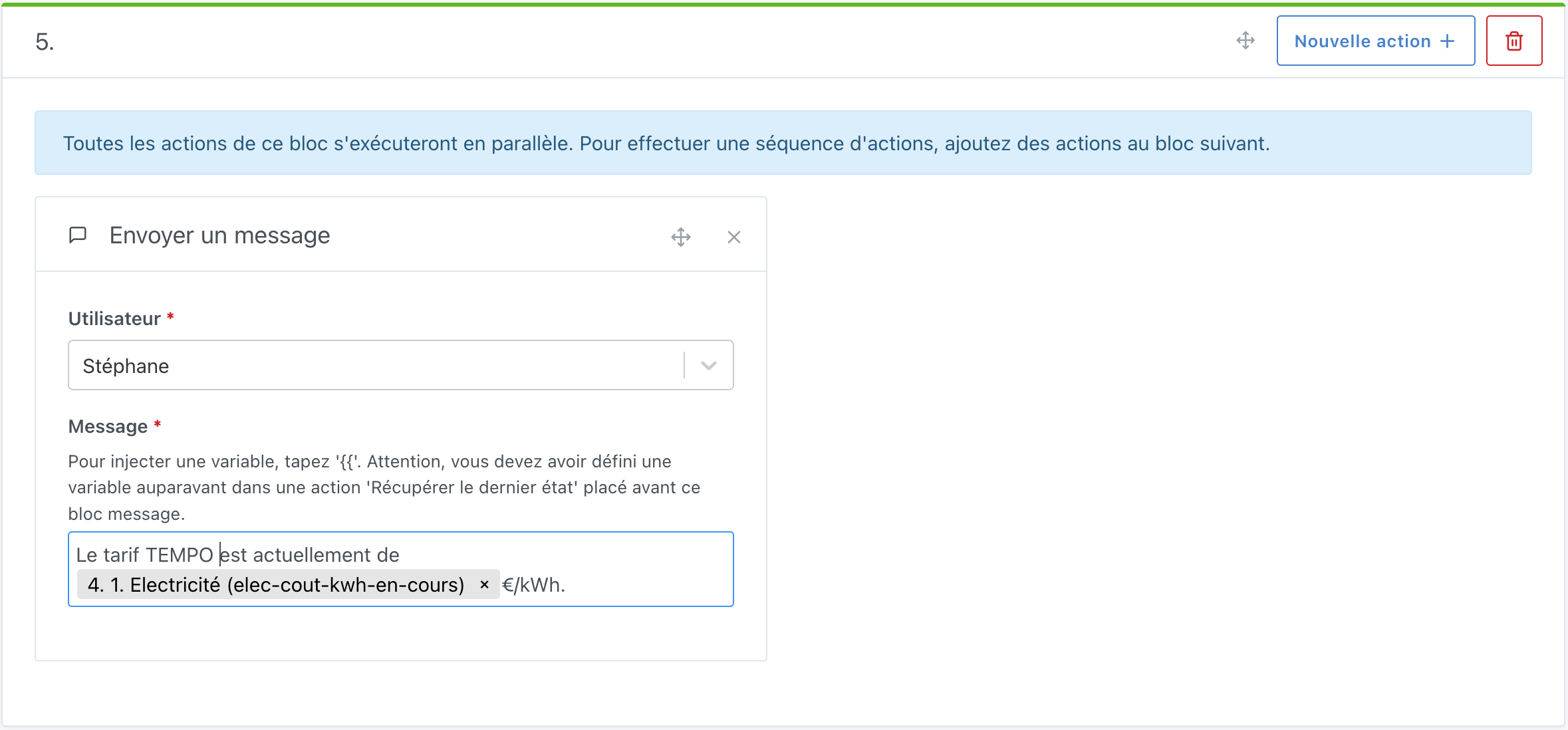
3. Main scene creation


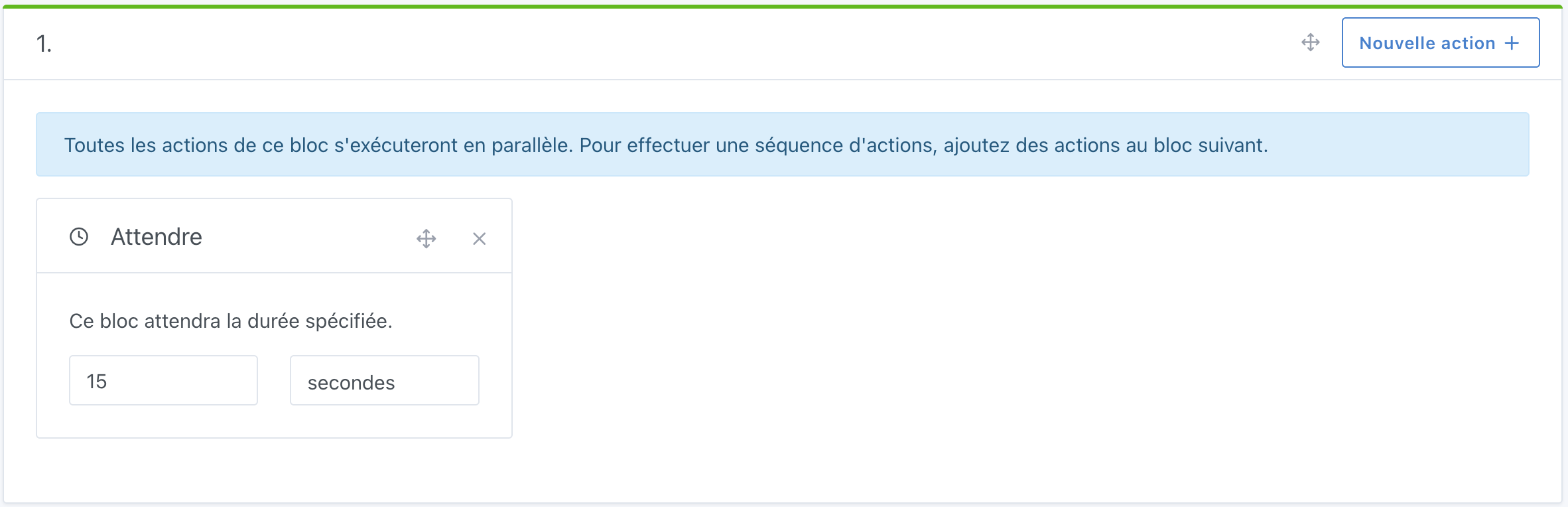
I wait 15s to ensure that the day and hour values are properly updated in the TEMPO integration, then 30s to make sure all scenes are finished (since I trigger them all at the same time and I have lags on my Gladys setup, I prefer to be cautious).

If you have any questions/comments, feel free to leave them in the comments :slight_smile:

Changelog to come:

  • None at the moment
4 Likes

Thanks for the tutorial ;)\nI did exactly the same thing recently because I switched to the Tempo tariff :slight_smile:\nI hadn’t taken the time to make a tutorial so thanks again to you :smiling_face:

Great tutorial @mutmut :slight_smile:

Do you know if there is a Tempo API that returns the rates?

Glad to help with the tutorial!

Regarding any API, I didn’t find anything.
What is crazy is that the TEMPO tariff is managed at the national level so the price is identical for everyone, as well as the schedules, but nothing is available. The only document is the PDF from EDF (and in Alsace we are with ES Electricté de Strasbourg and we only have web access to past days).

The only thing would be to ask an AI and then retrieve and process that information.
Well, this is beyond me, but here is the prompt for the tariffs.

EDIT: I just asked it to organize all of that in JSON and it came out pretty well!

EDIT 2: on perplexity.ai, my prompt is now:
What are the electricity rates with a TEMPO subscription for residential customers currently in France? You will need to organize the values without units in JSON with a section for subscription, a section for kWh prices, a section for the start time of off-peak hours and peak hours, and for each section include the units.

The response is good but of course I never get exactly the same formatting result when querying across multiple browsers :frowning: but this one is very good (very subjective!)
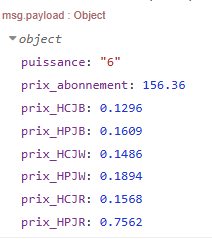
{
  "abonnement": {
    "6kVA": 156.36,
    "9kVA": 195.00,
    "12kVA": 234.72,
    "15kVA": 269.40,
    "unite": "€/an"
  },
  "prix_kWh": {
    "bleu": {
      "heures_pleines": 0.1609,
      "heures_creuses": 0.1296
    },
    "blanc": {
      "heures_pleines": 0.1894,
      "heures_creuses": 0.1486
    },
    "rouge": {
      "heures_pleines": 0.7562,
      "heures_creuses": 0.1568
    },
    "unite": "€/kWh"
  },
  "horaires": {
    "heures_creuses": {
      "debut": 22,
      "unite": "h"
    },
    "heures_pleines": {
      "debut": 6,
      "unite": "h"
    }
  }
}

I also looked but didn’t find anything about that :wink:

It might be possible to do something with Node-RED and AI, even ChatGPT which is directly integrated into Gladys :smiling_face:

Not bad, it actually works well!

We’ll see later if the AI adapts quickly when prices change ^^

I’m looking into automating with Node-RED and the following file: https://particulier.edf.fr/content/dam/2-Actifs/Documents/Offres/Grille_prix_Tarif_Bleu.pdf

If I manage to get something working, I’ll let you know :slight_smile:

1 Like

I managed to do something thanks to this Node-RED flow on the Jeedom forum:

Thanks to him :slight_smile:

I’ll try to make a tutorial sometime next week :slight_smile:

3 Likes

Excellent find!

Are you including all the rates and subscription types?
I

If you don’t want to go through node-red you need a way to parse the PDF directly from gladys :wink:
Something that’s not possible :slight_smile:

That’s not what I meant, it’s just that going back into node-red to change a URL isn’t great (a lot of clicking), you might as well use the main system, Gladys, and not node-red (which for me is secondary).
But I’m looking forward to understanding how node-red works in detail :wink:

For the PDF file, there’s no option to parse it in Node-RED anyway, so there’s no choice but to download it in Node-RED :wink:

But yes, you might understand better what I meant in the tutorial :slight_smile:

It’s online :slight_smile:

2 Likes