Hello community,
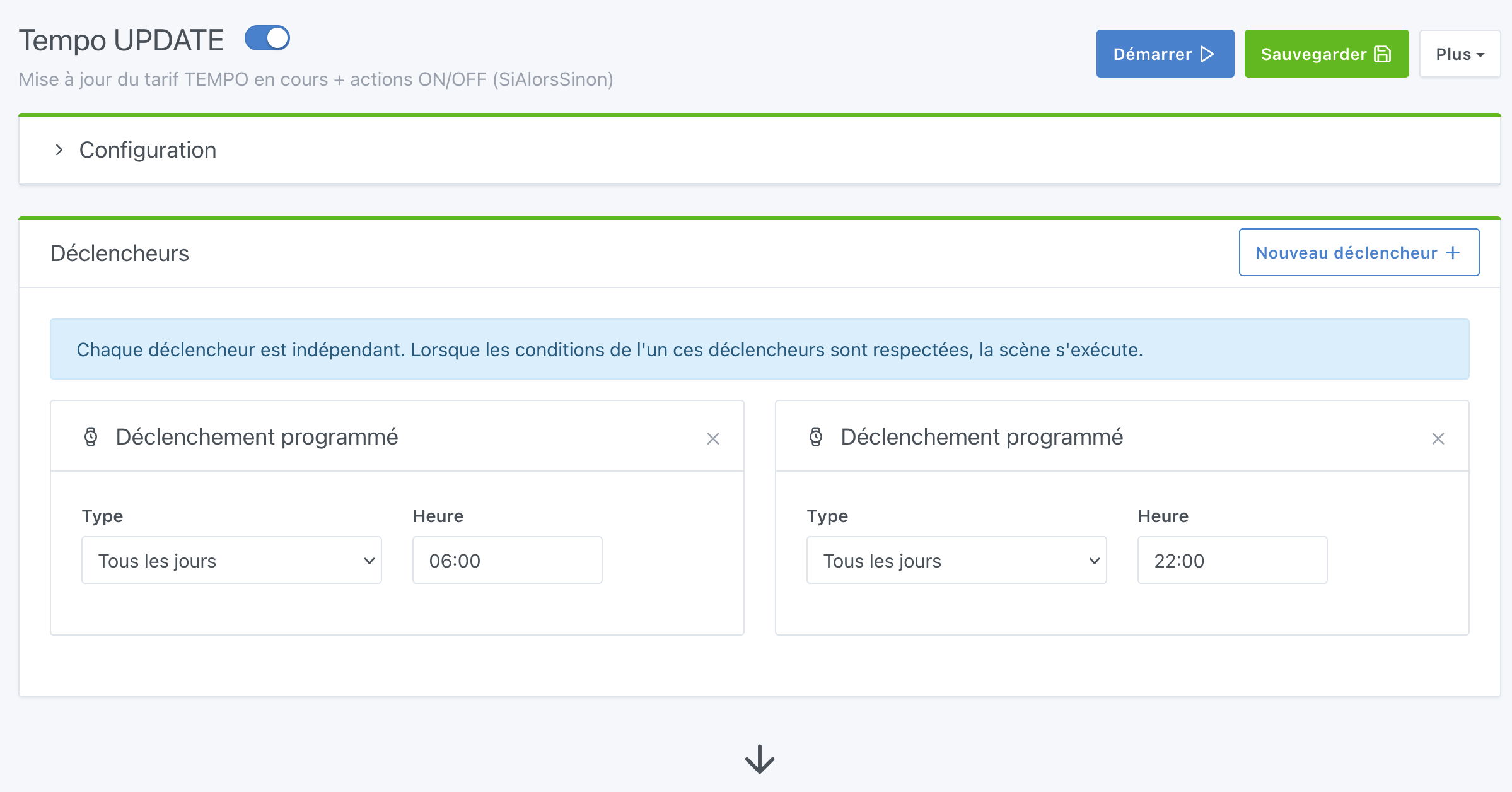
following the recent integration into scenes of the If... Then... Else... condition (Gladys 4.55), I offer a new version of the tutorial [TUTO] Mise à jour du tarif TEMPO which allows you to go from 7 scenes to a single one!
To retrieve the tariff, I strongly recommend @prohand’s tutorial on the node-red part and creating the mqtt features (which I do not cover here): Tuto - Mise à jour du tarif TEMPO (Mise à jour via PDF en auto)
Let’s go!
Creating THE scene :
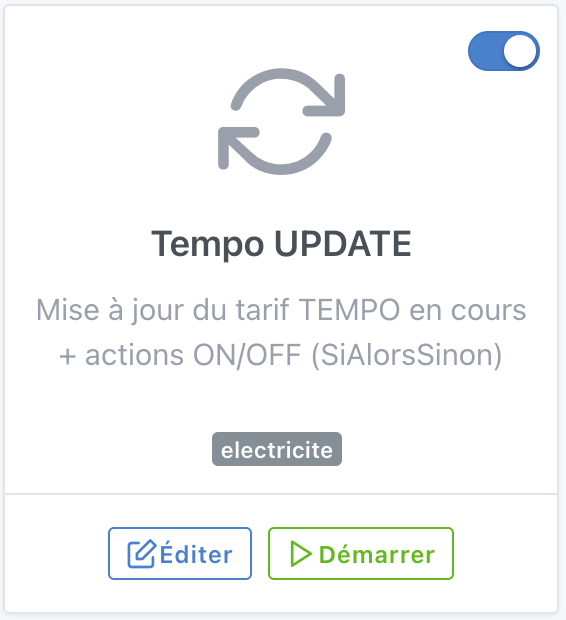
and then everything is managed in this single scene


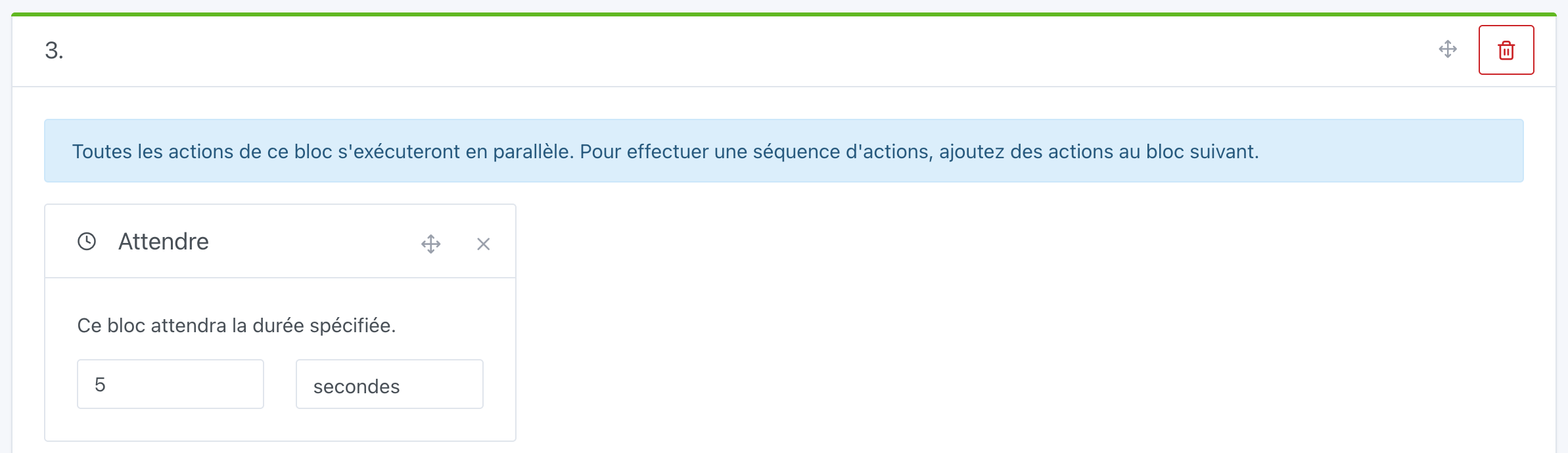
(We don’t have to wait 5s but I prefer to keep this block to delay if needed)
In the previous tutorial, I had a master scene that launched 6 child scenes at the same time to get the current tariff update. I kept this operating principle in parallel for the new scene by adding 6 new Condition "If... Then... Else..." actions:
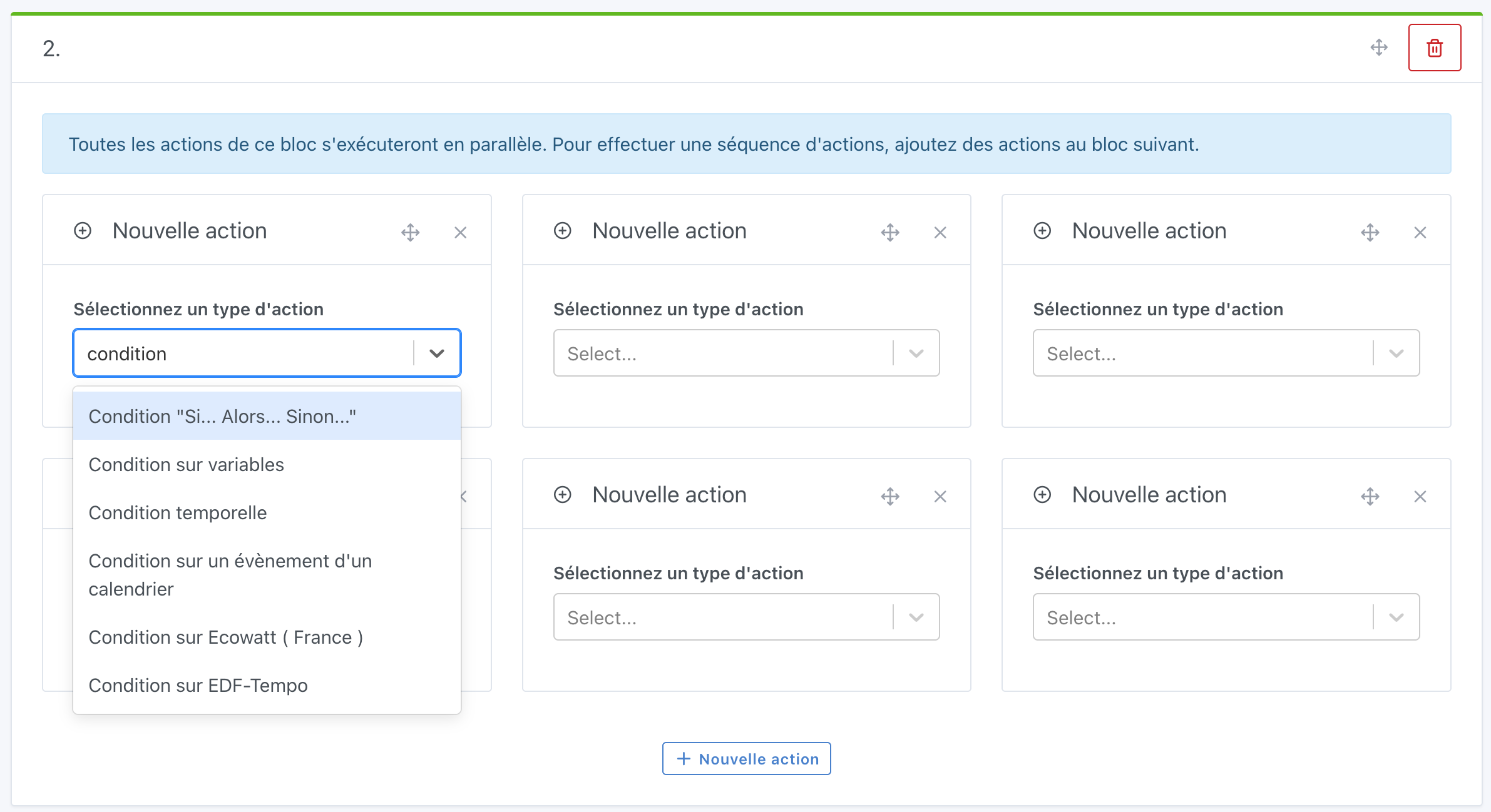
- 1st action
Condition "If... Then... Else..."- blue day off-peak (jour bleu HC)
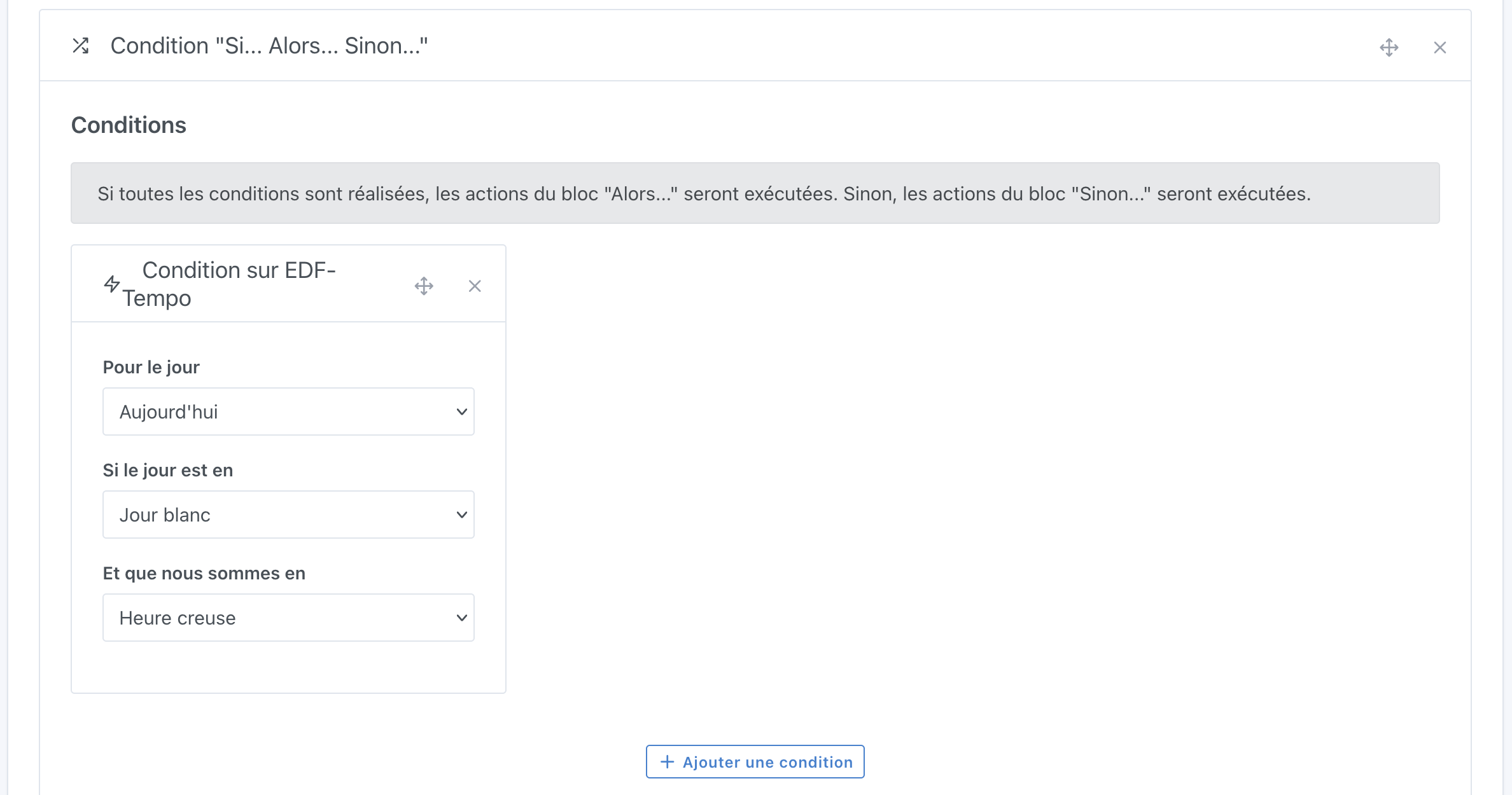
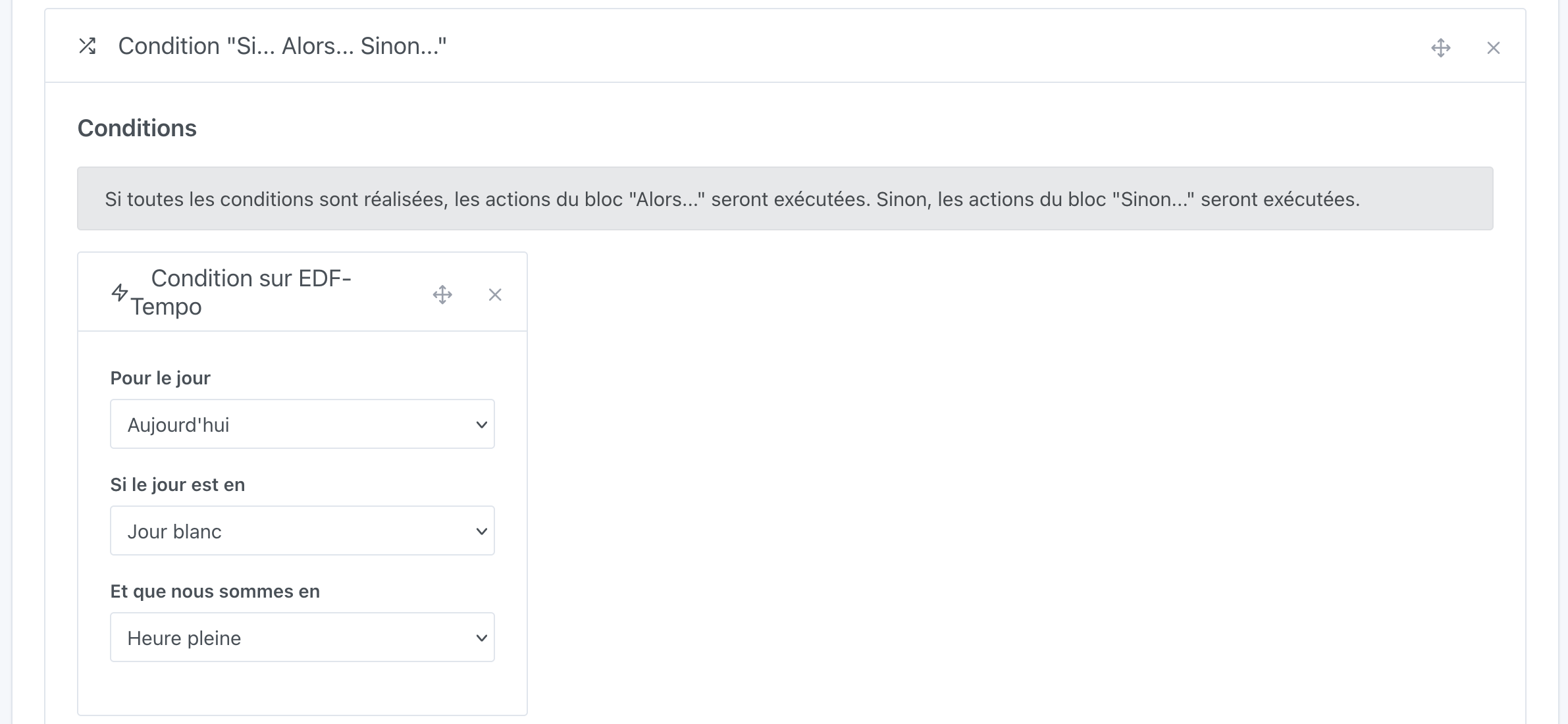
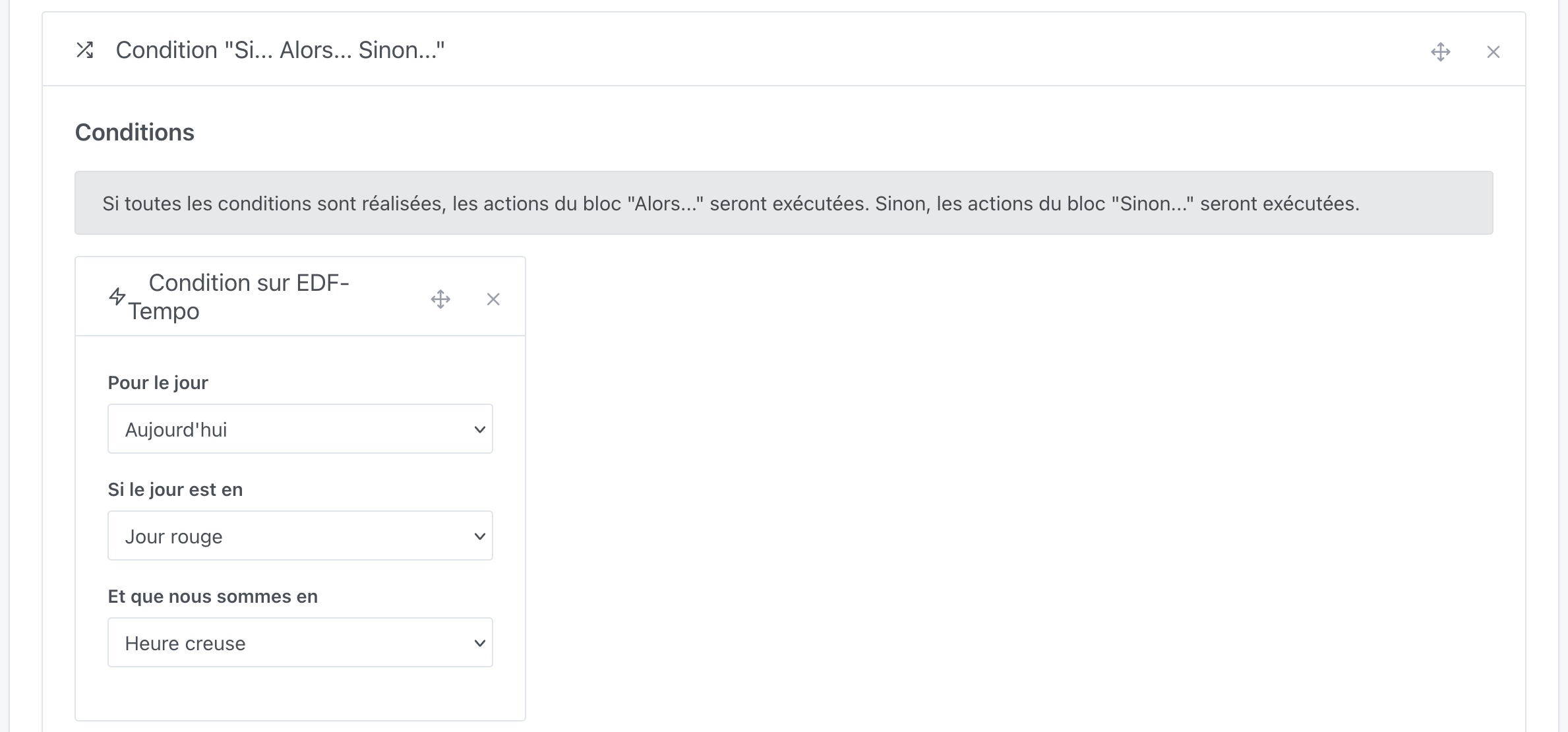
Next we start to set a condition on EDF Tempo for the first Condition "If... Then... Else...":
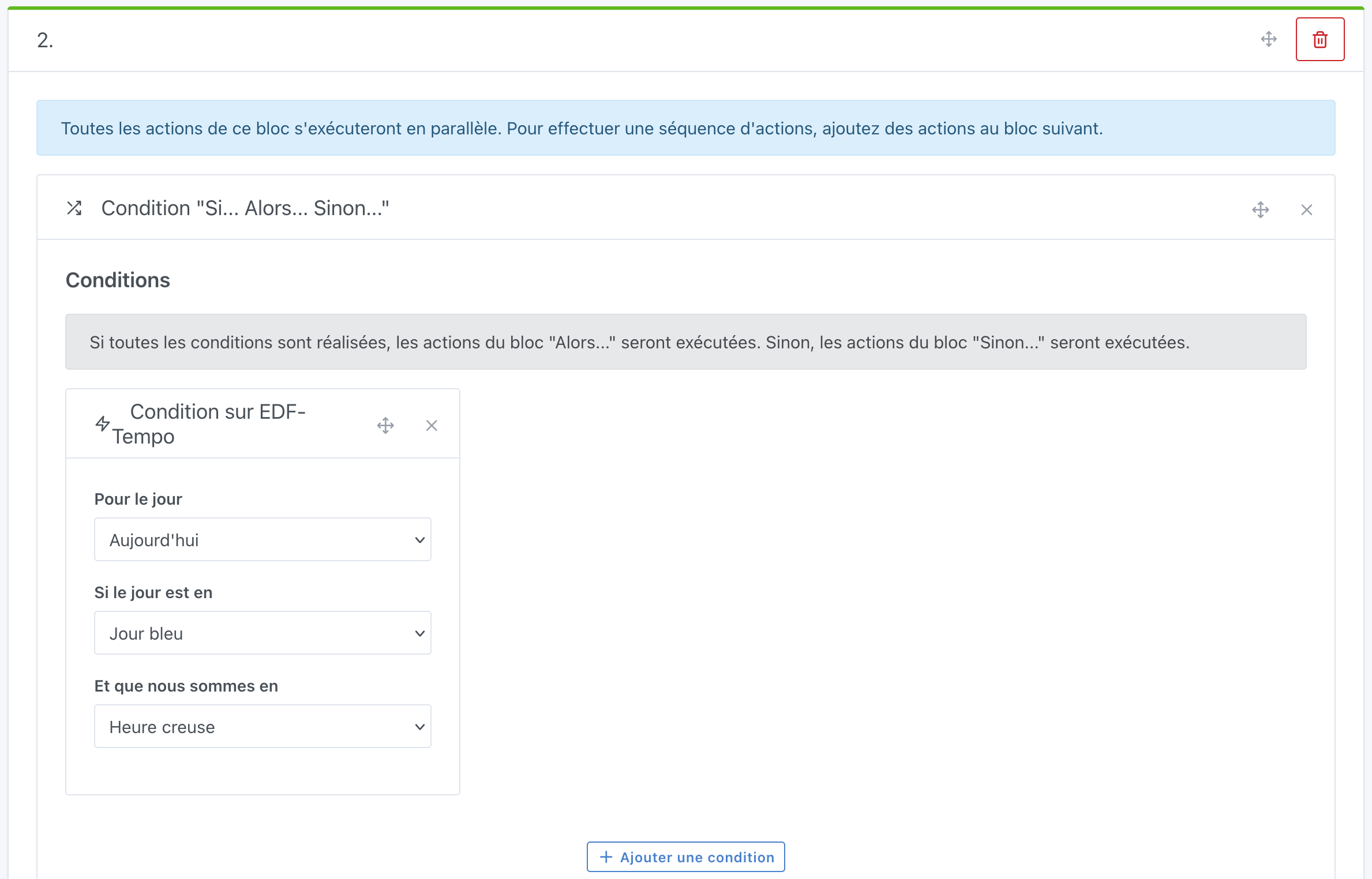
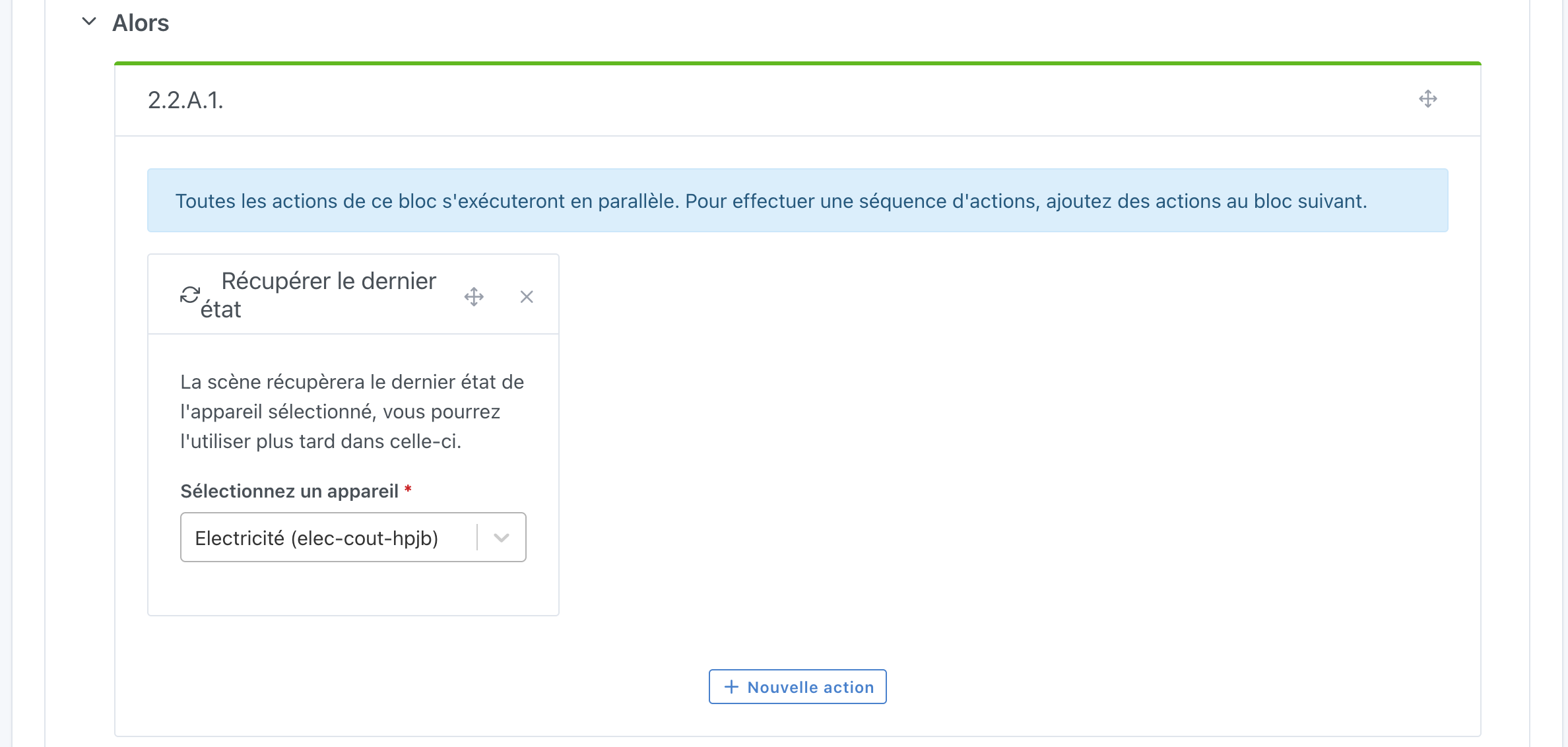
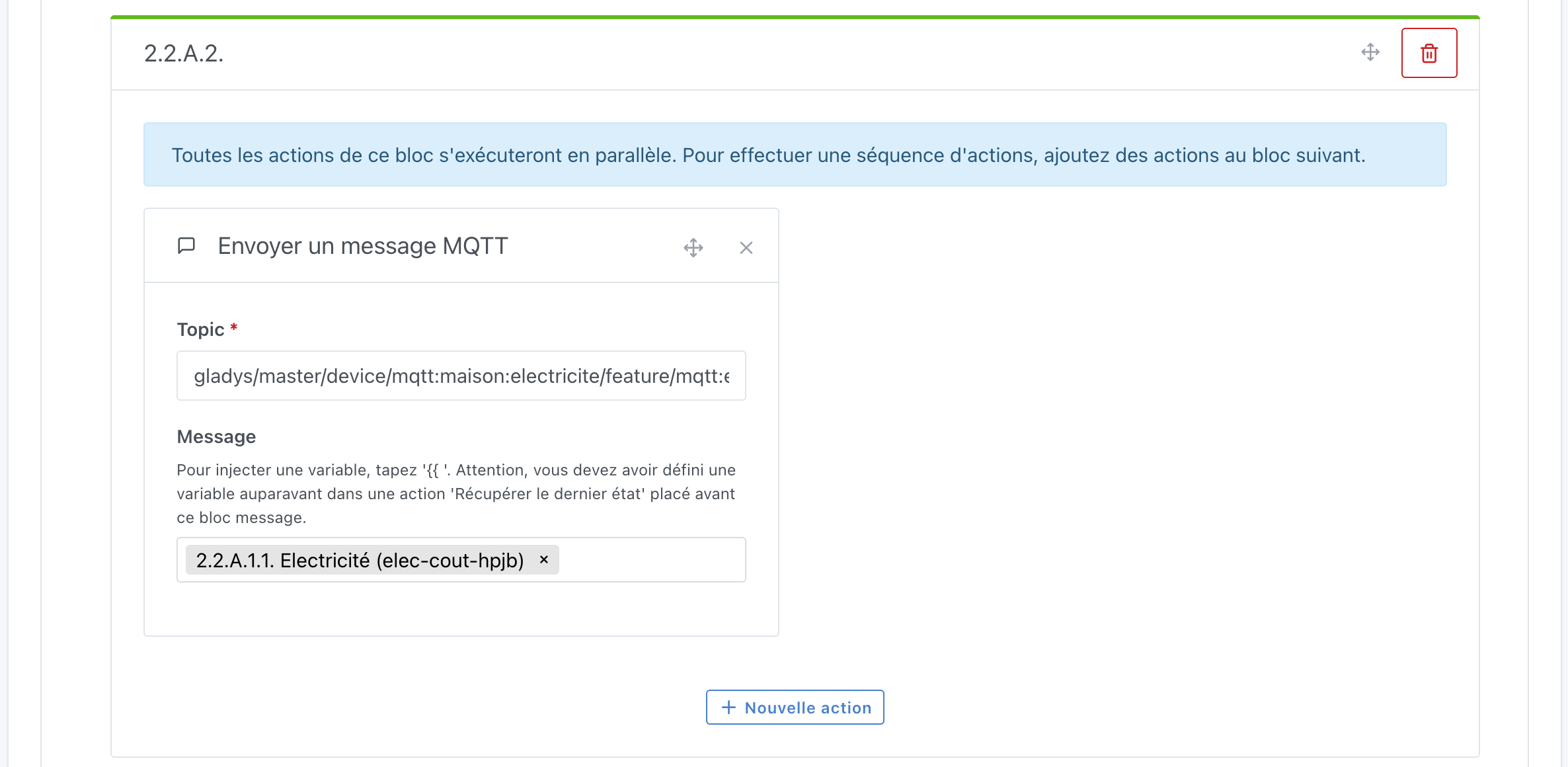
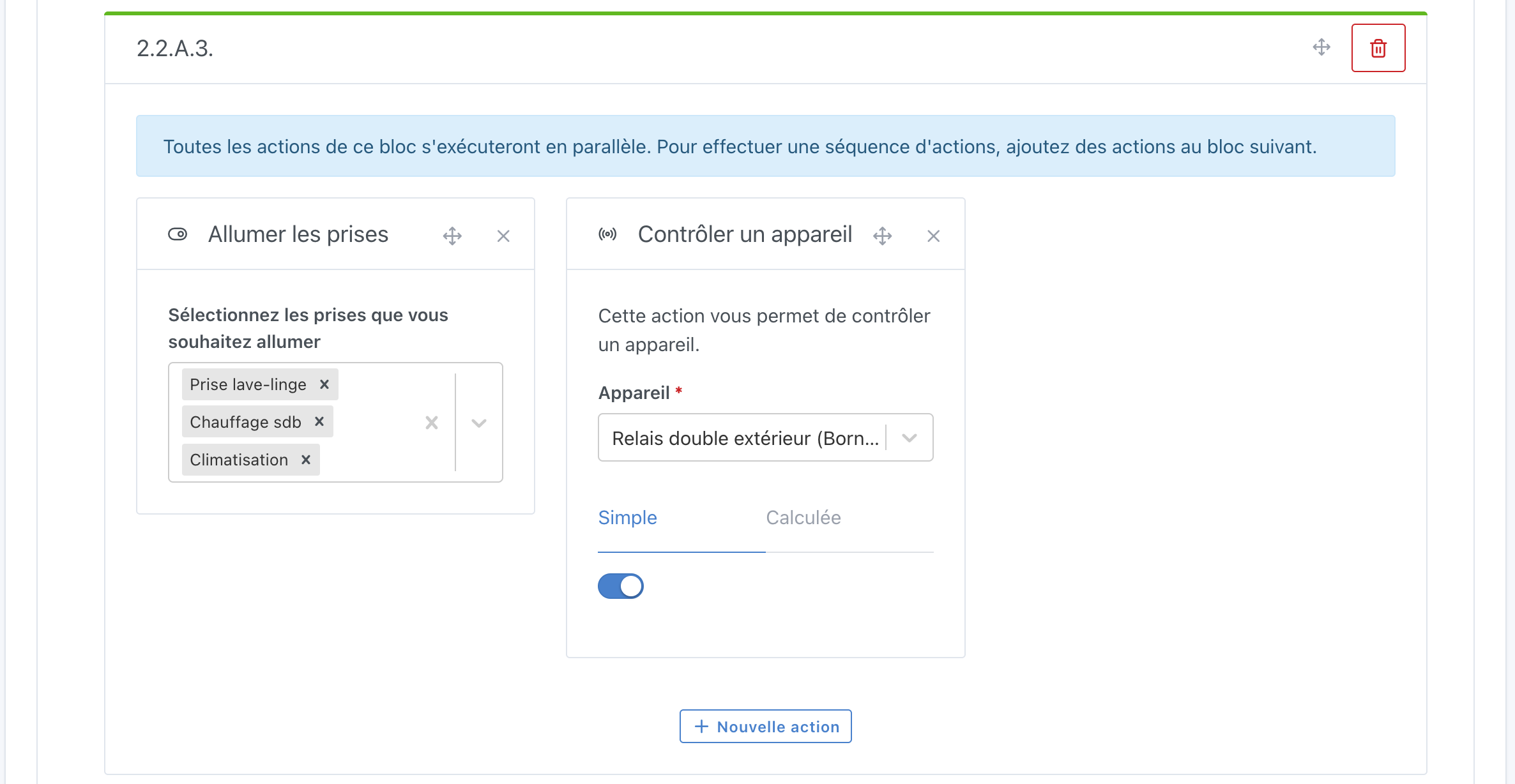
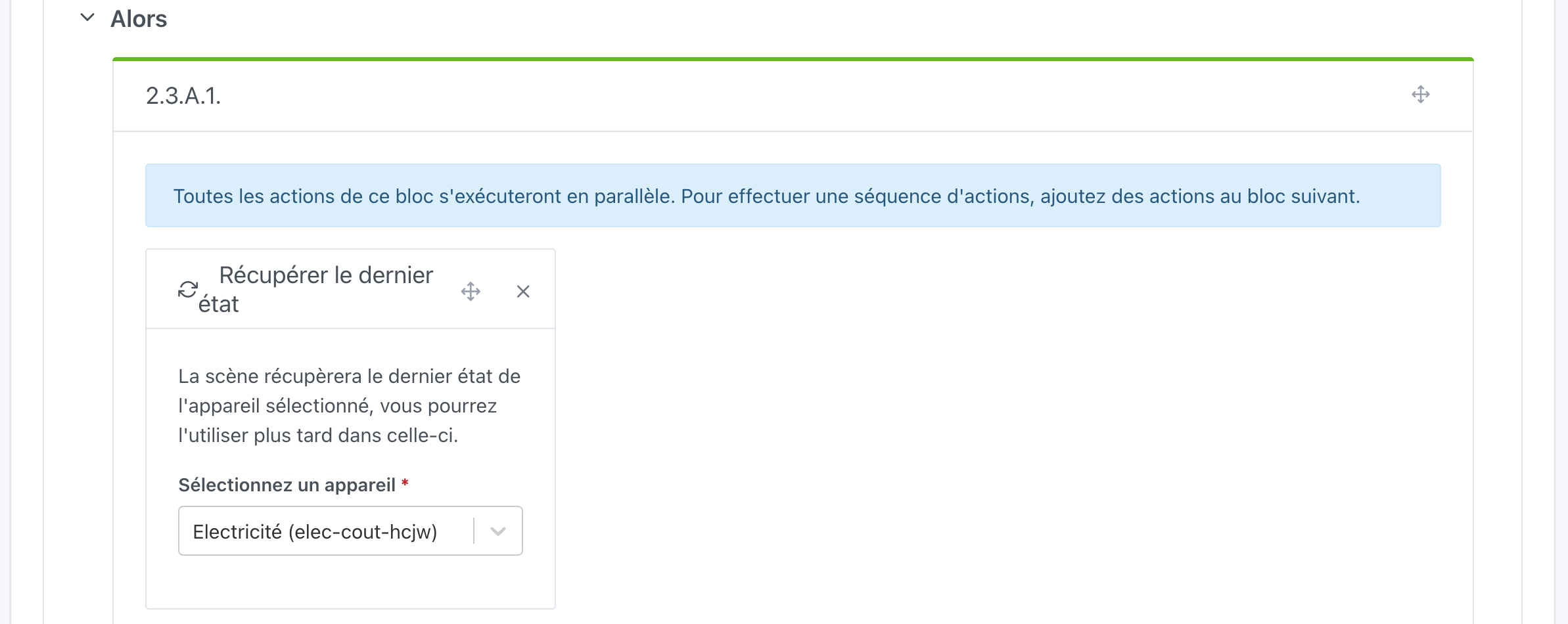
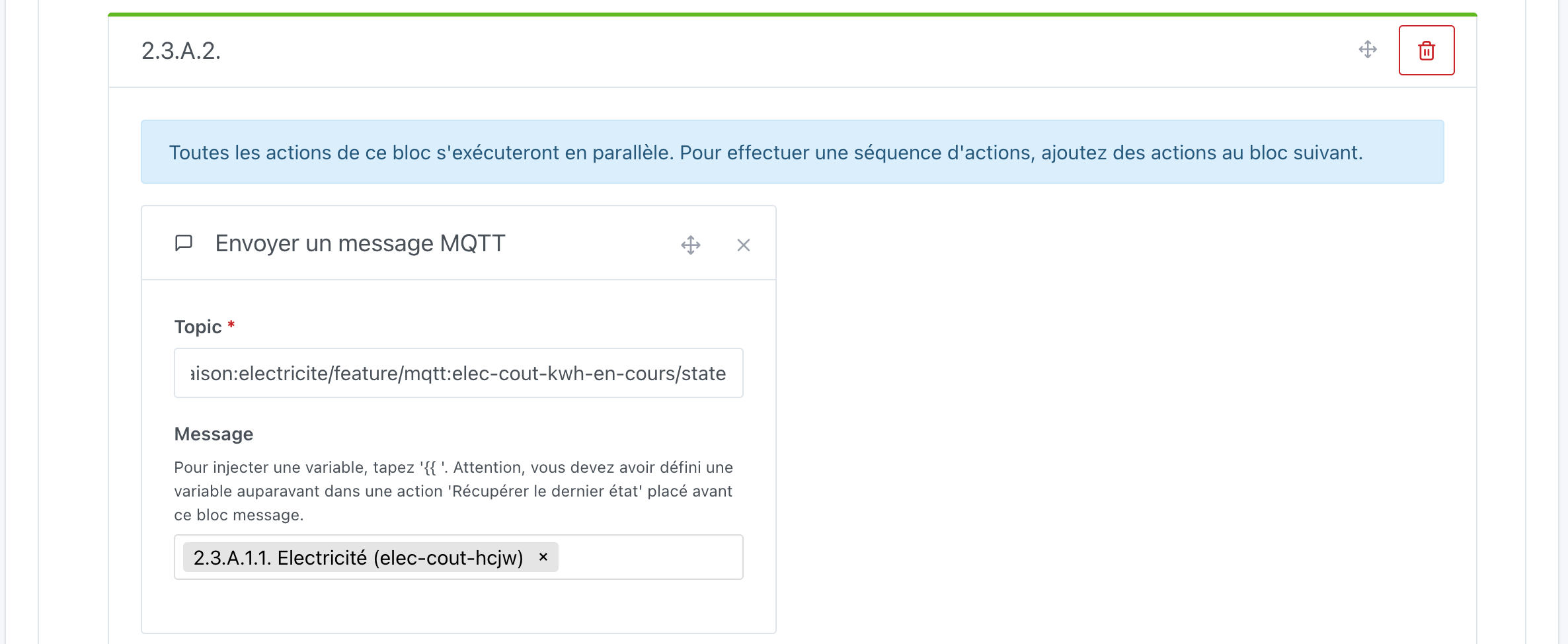
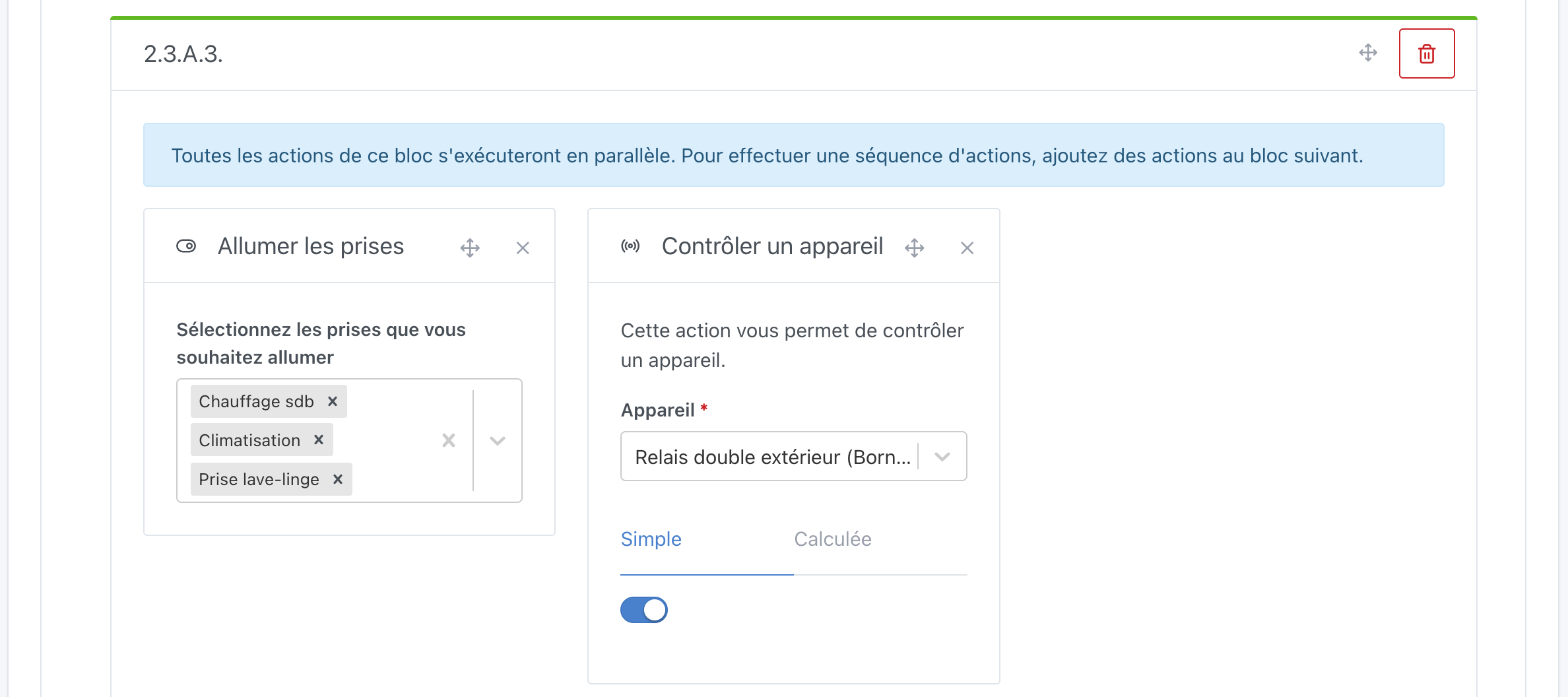
Then we fill the Then sub-block by adding actions in sequence:
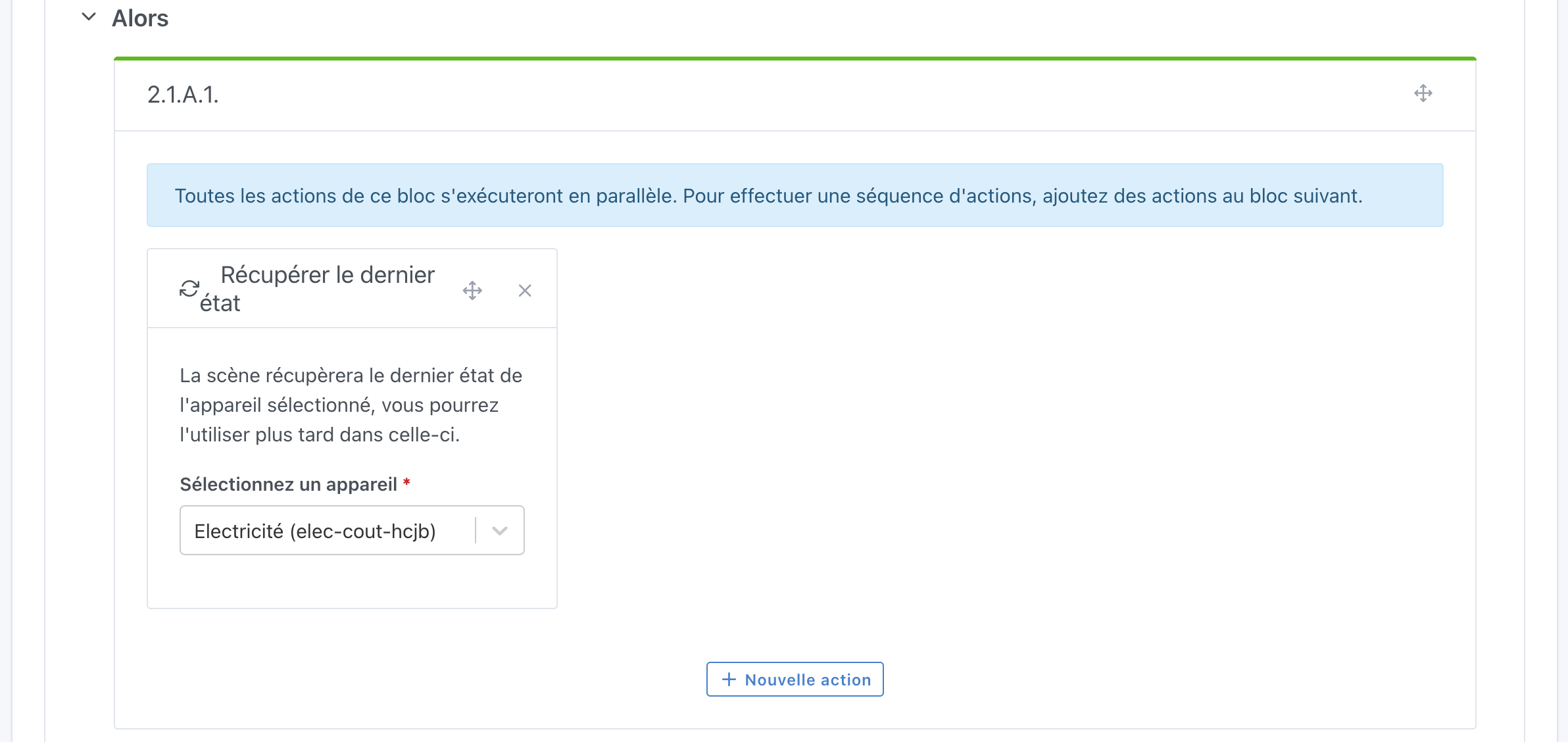
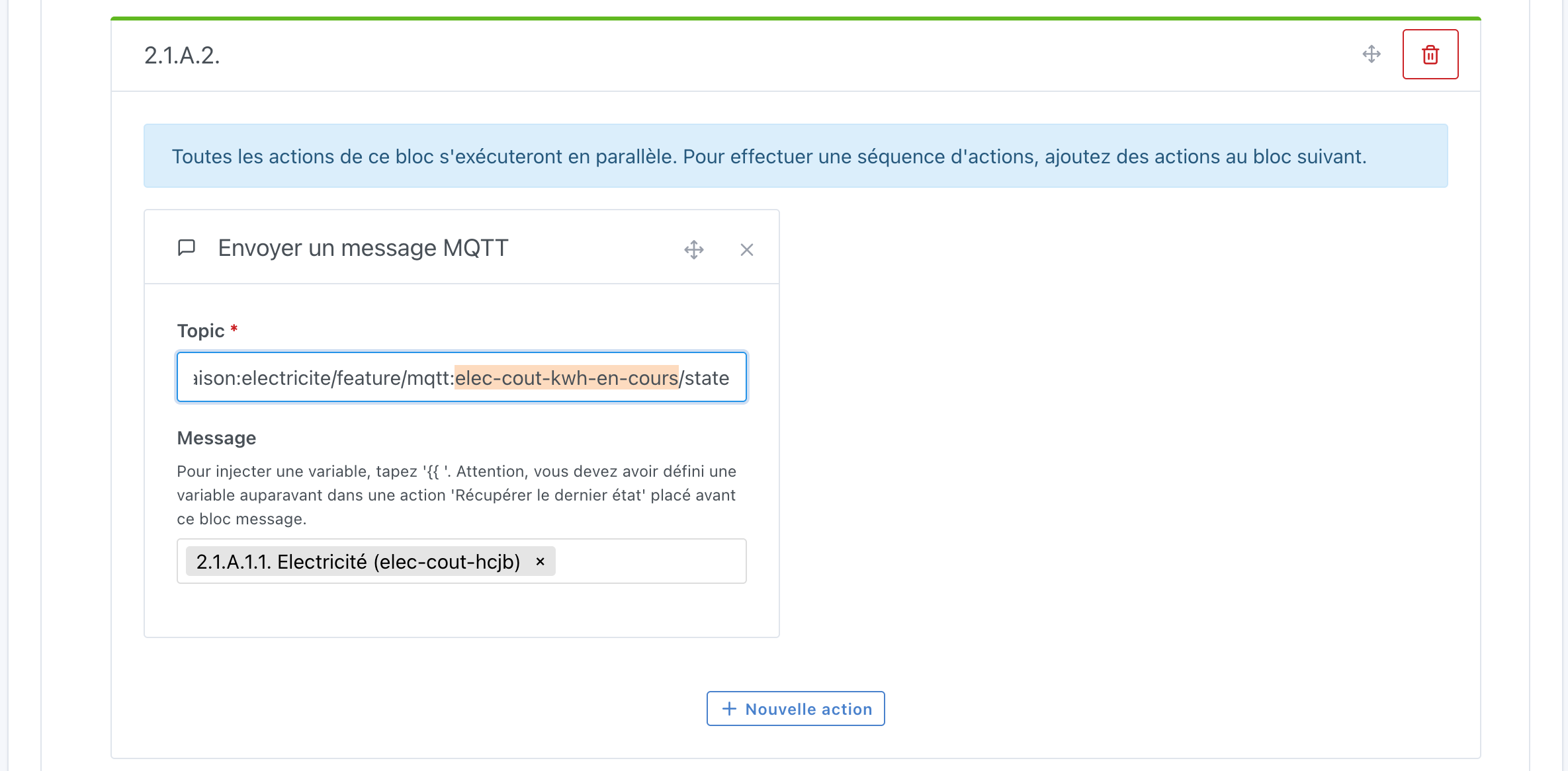
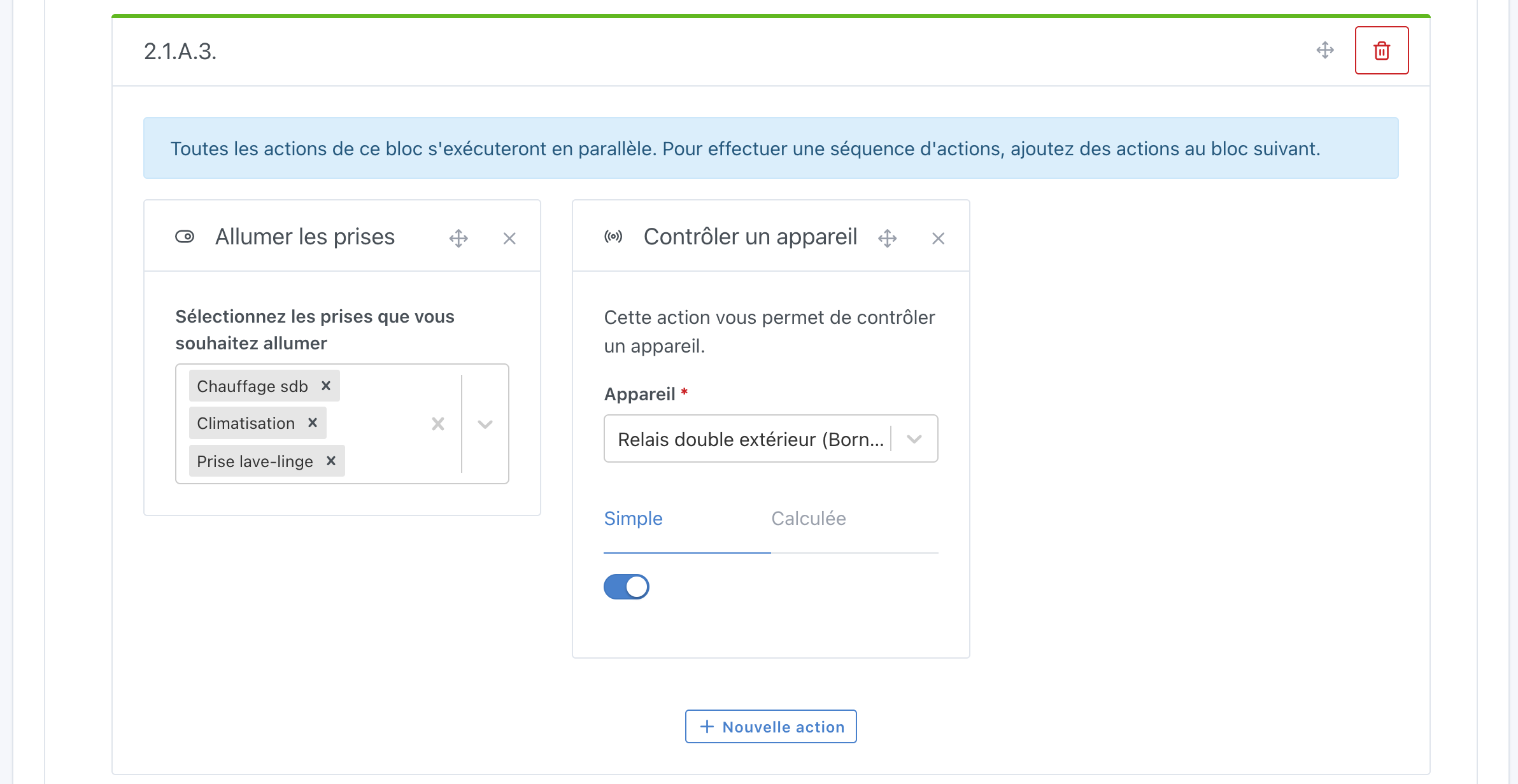
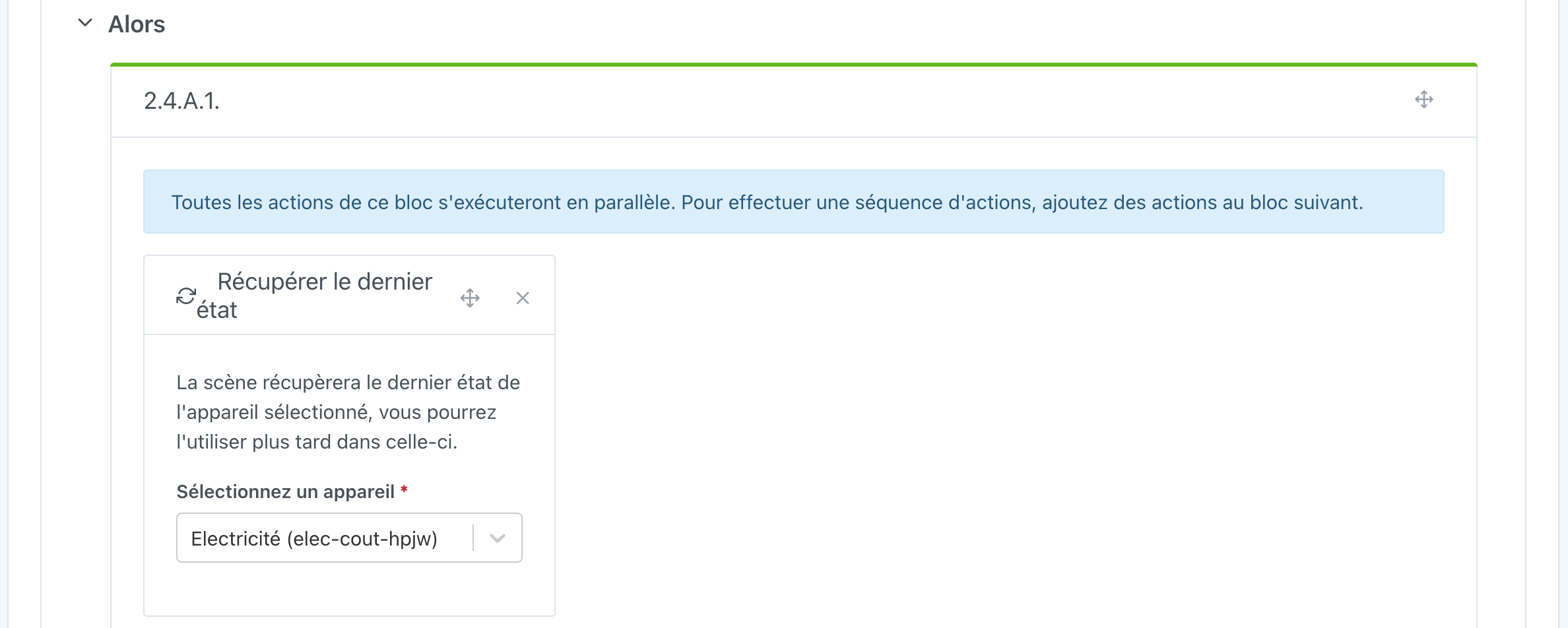
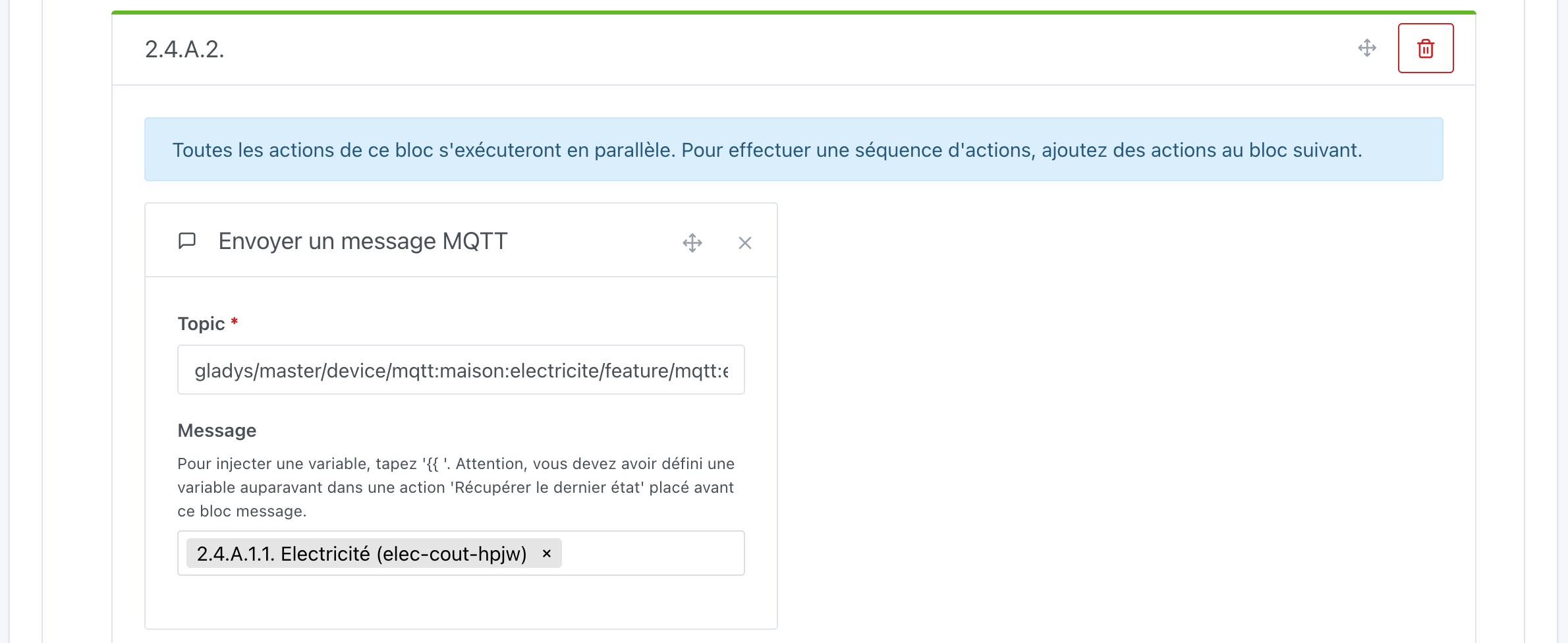
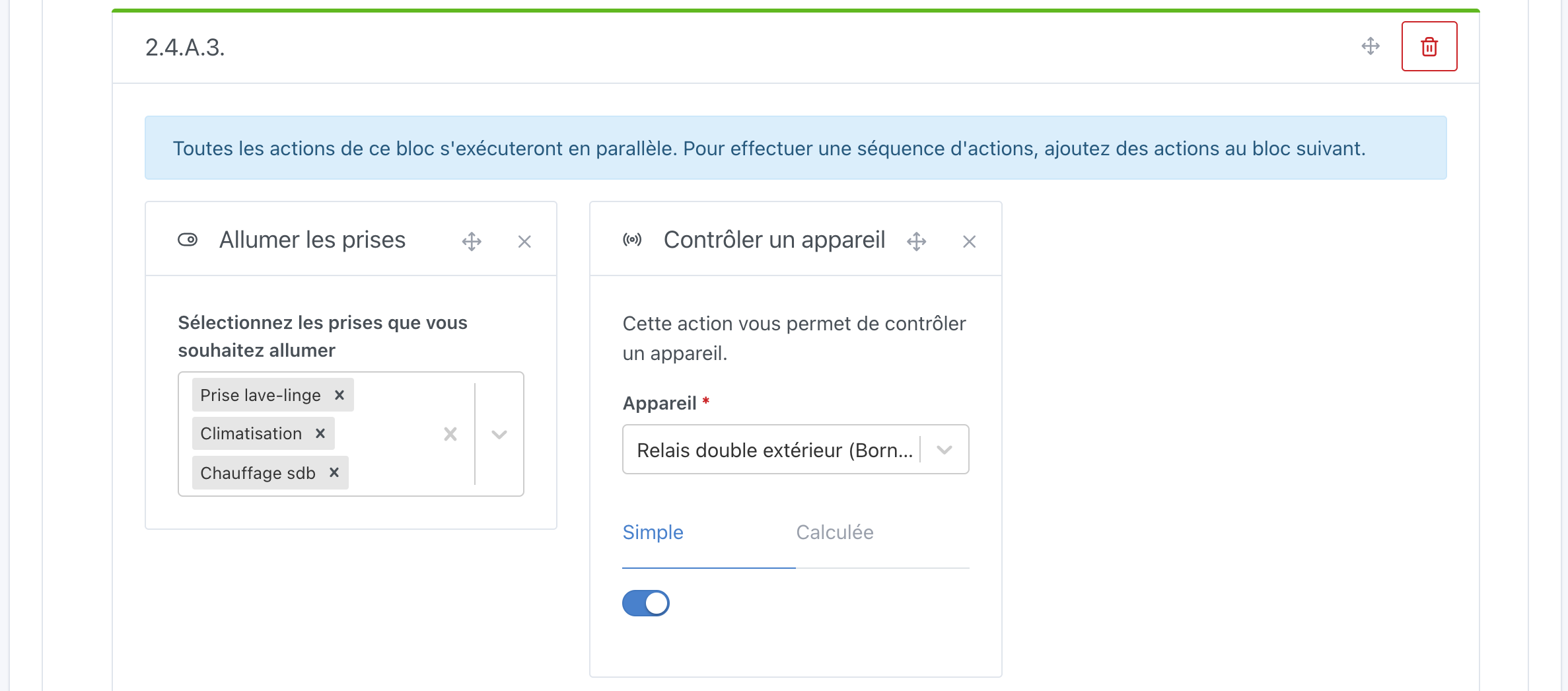
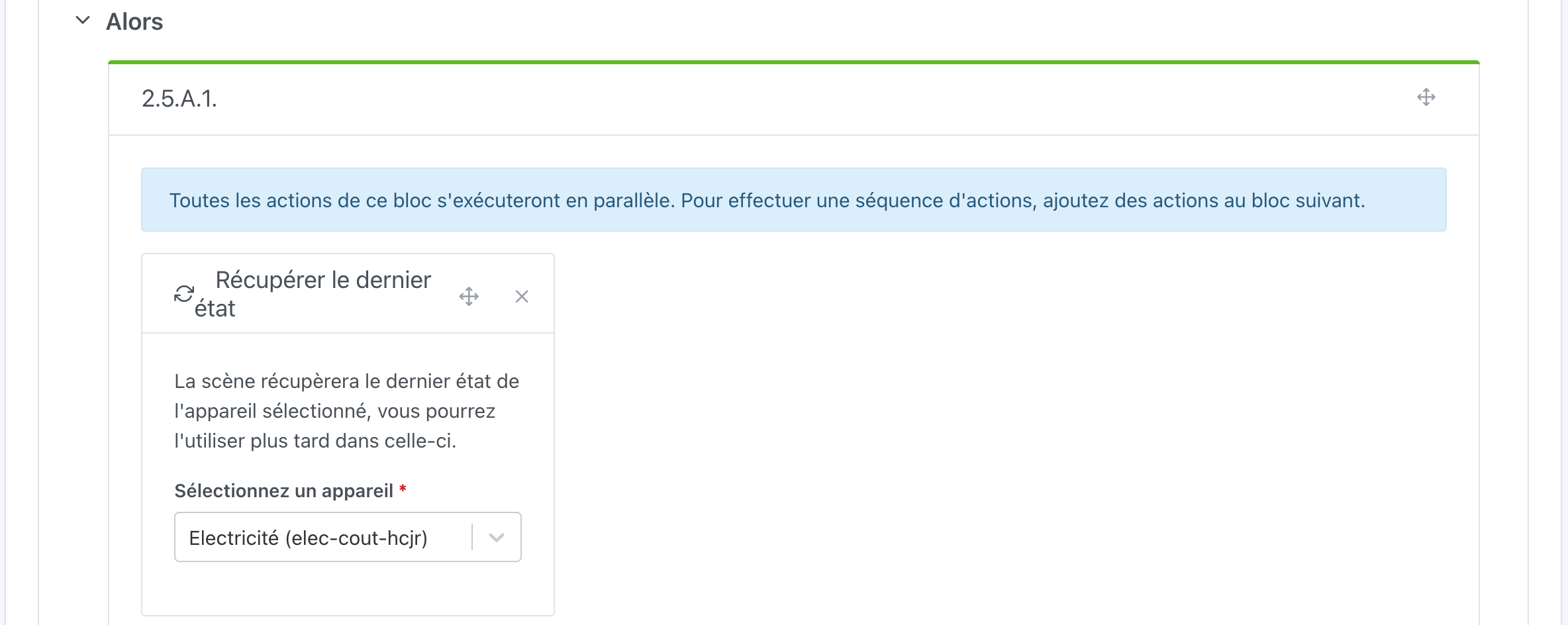
You will notice numbers in the top left of each action block, this helps to find your way in the scene. For example
2.1.A.3 :
2 → action block No.2 in our scene
1 → first action of this block
A →Thensub-block of theCondition "If... Then... Else..."action (we would have S with anElsesub-block)
3 → 3rd action of the sub-block

We have not put anything in the
Else sub-block (which is collapsed by default) and we see a summary of the number of actions. It also works the same way if we collapse the Then sub-block:
We will now do the same for all the other Tempo tariff conditions:
- 2nd action
Condition "If... Then... Else..."- blue day peak (jour bleu HP)
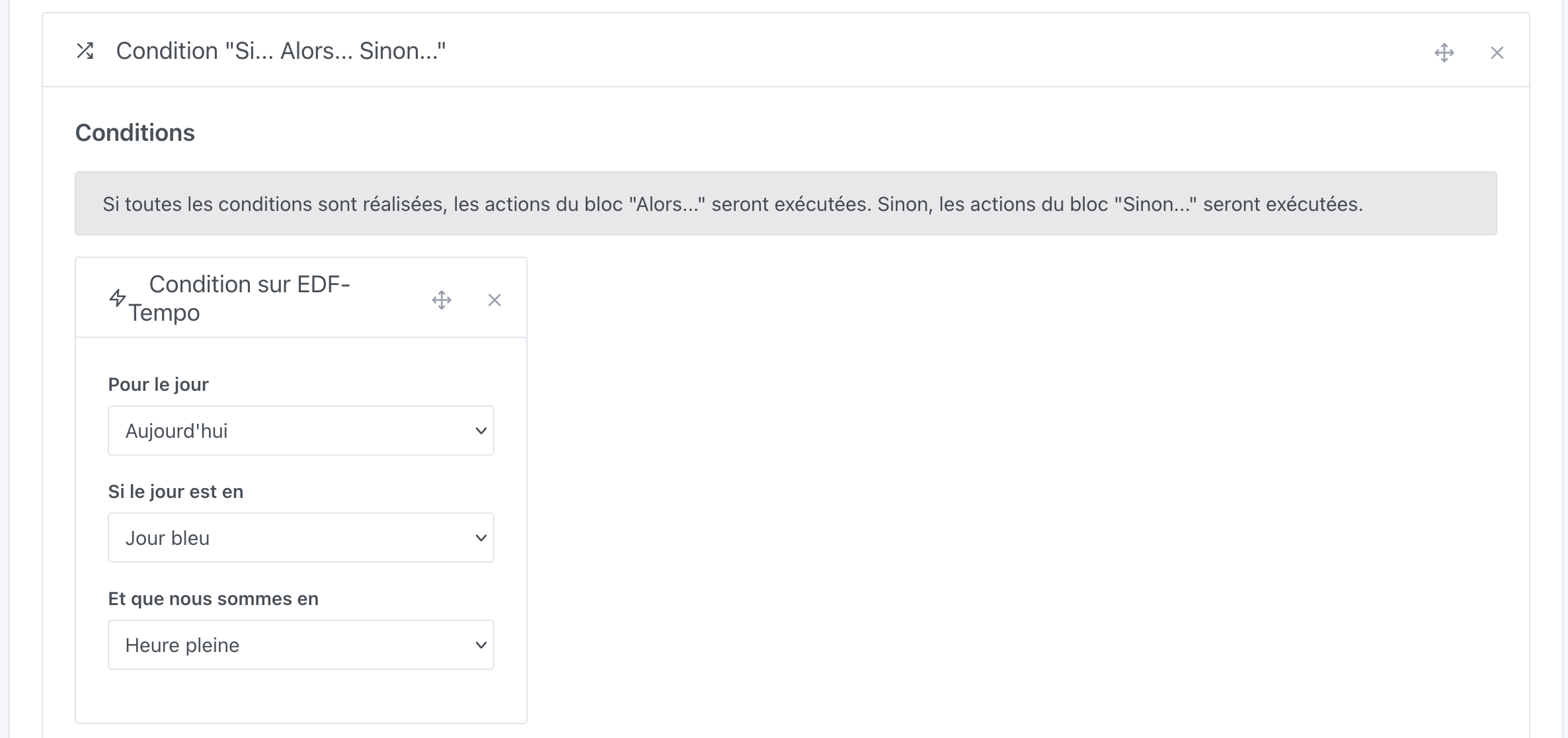
- 3rd action
Condition "If... Then... Else..."- white day off-peak (jour blanc HC)
- 4th action
Condition "If... Then... Else..."- white day peak (jour blanc HP)
- 5th action
Condition "If... Then... Else..."- red day off-peak (jour rouge HC)
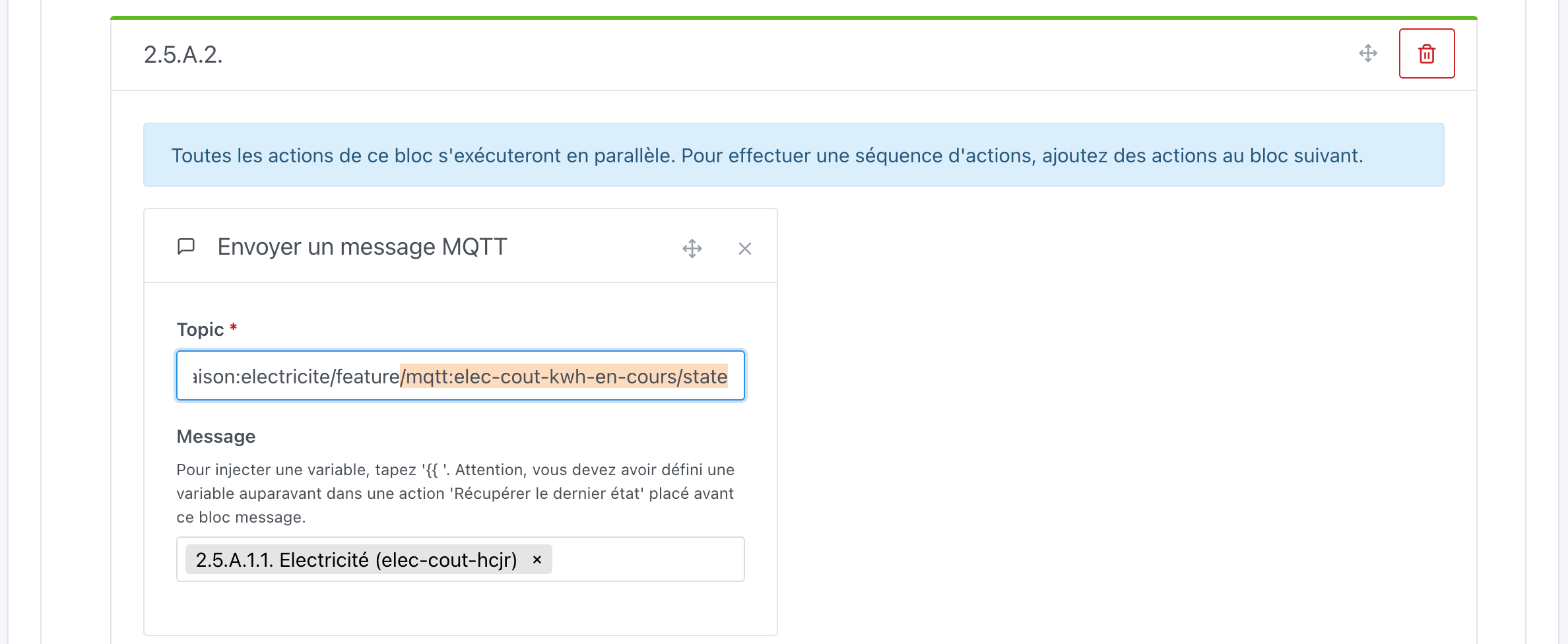
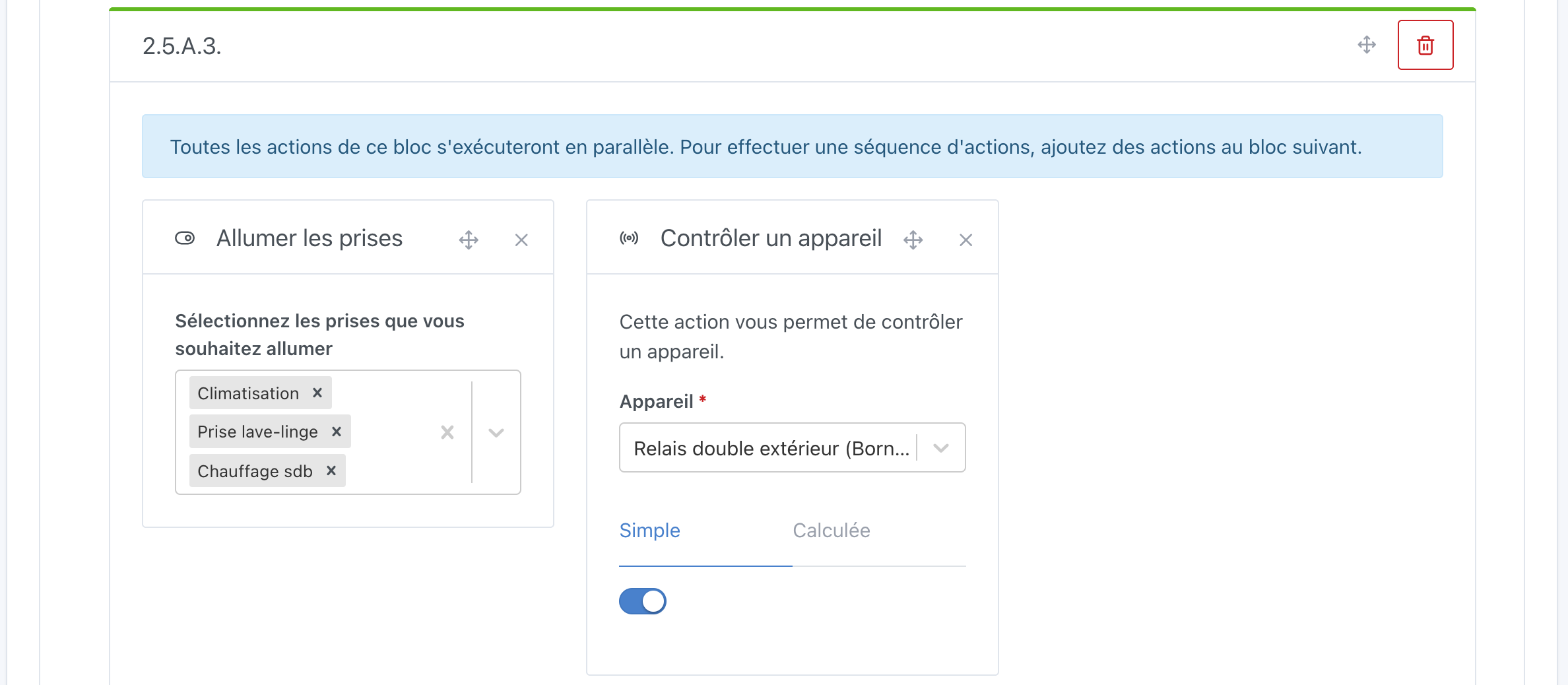
- 6th action
Condition "If... Then... Else..."- red day peak (jour rouge HP)
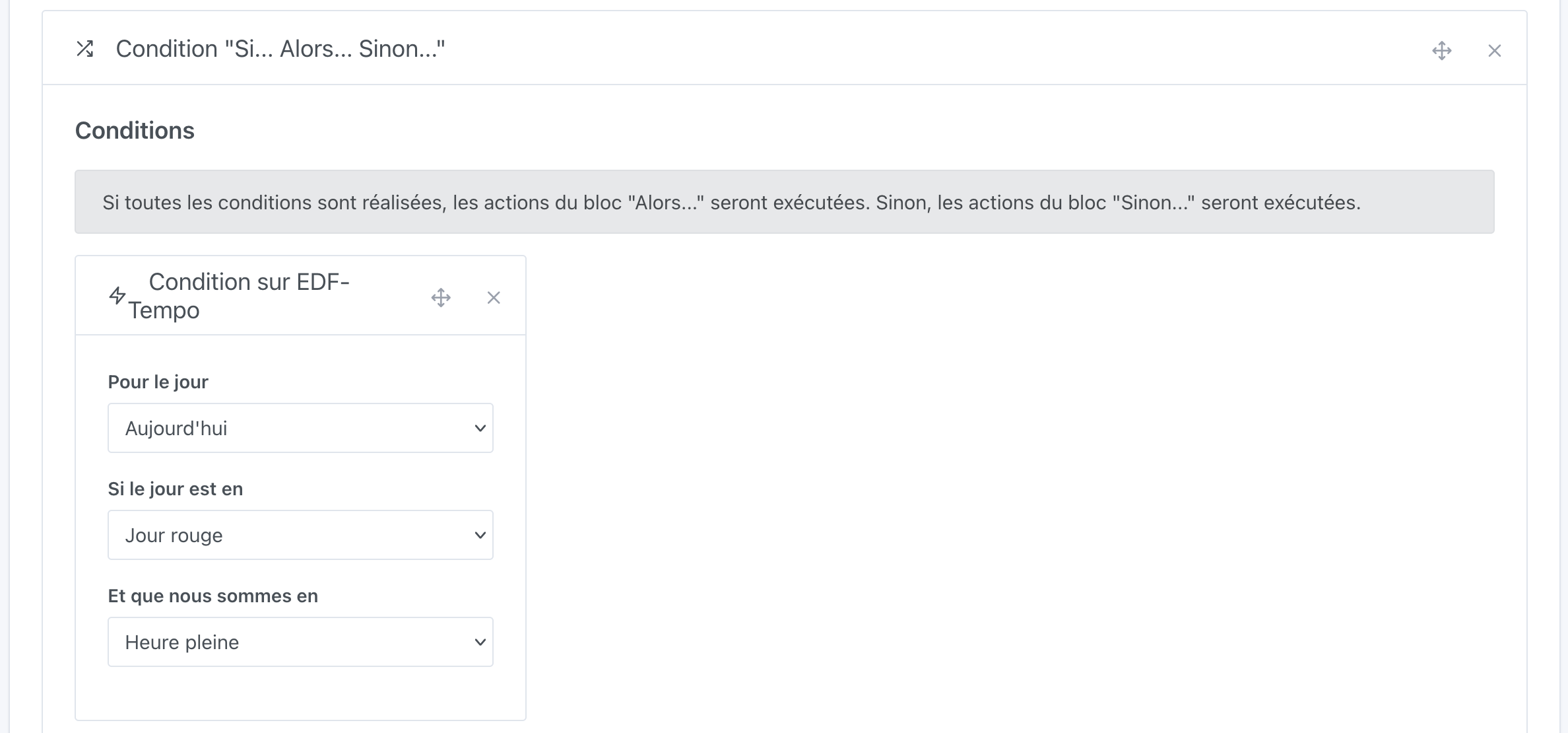
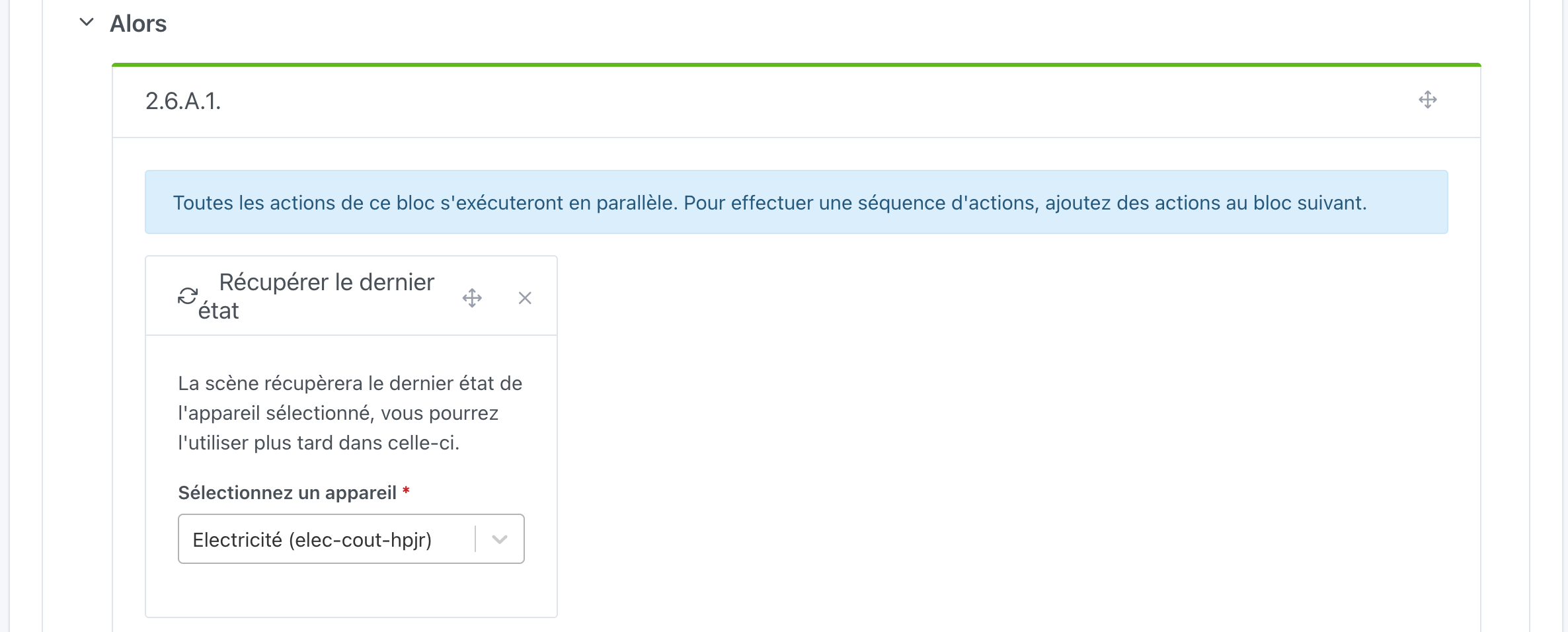

And here don’t forget to turn off the plugs and turn off the heating

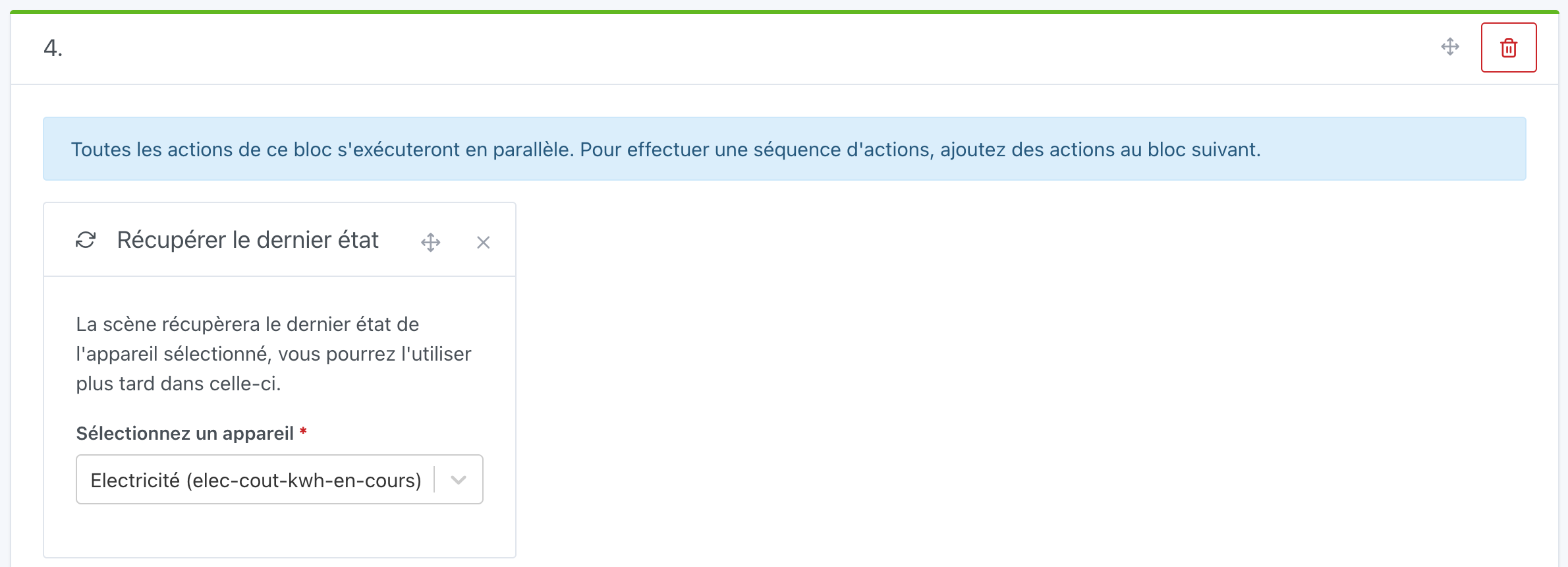
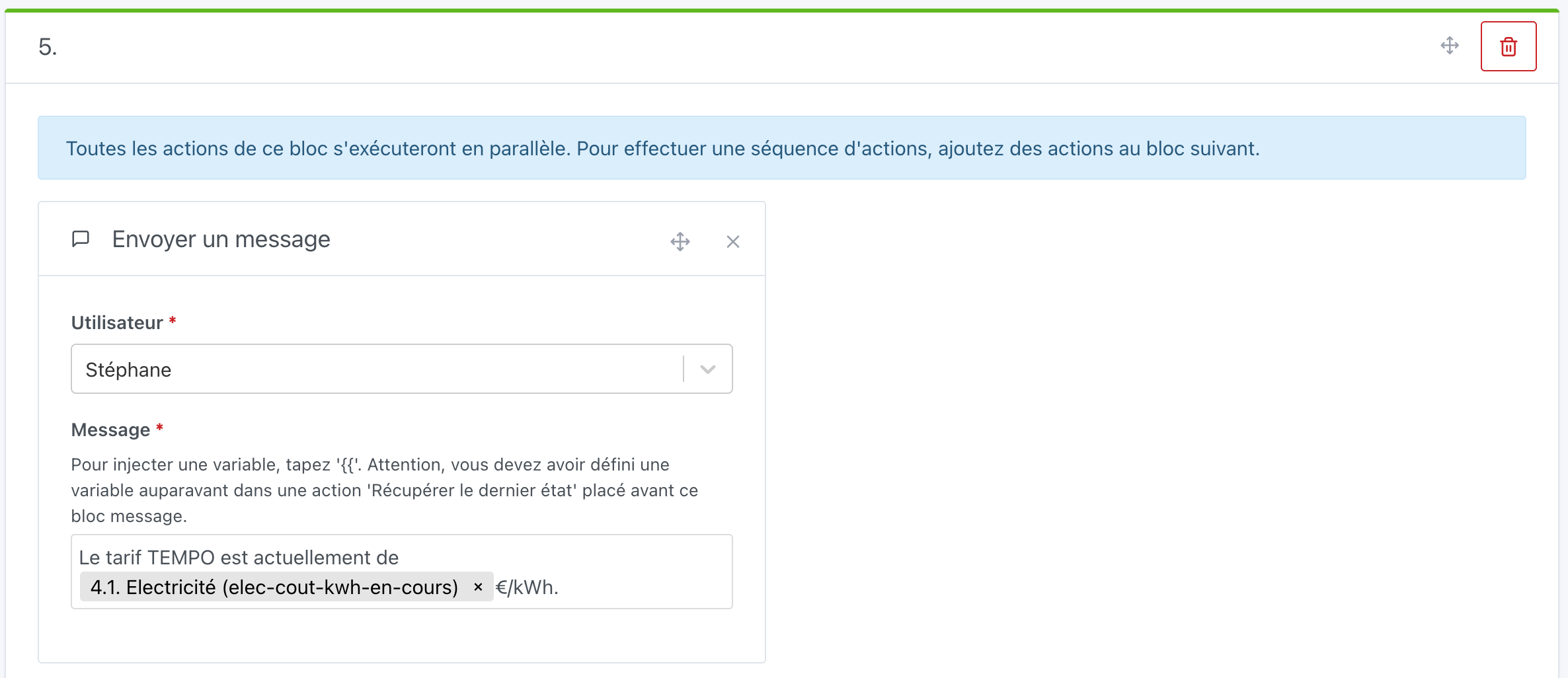
Then we go back to the usual:
There you go, I hope this new If... Then... Else... condition will allow you to optimize your scenes like I was able to 