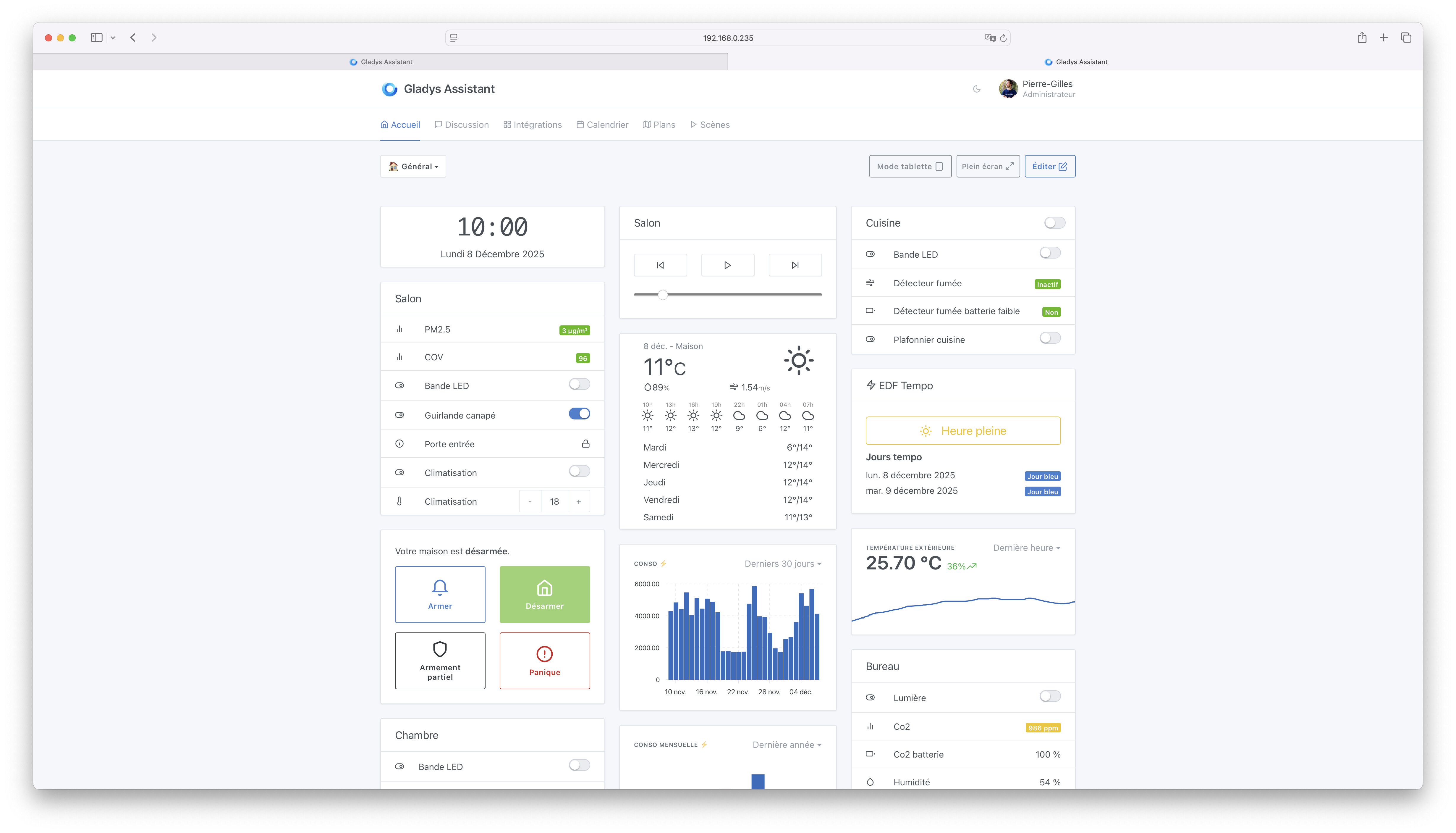
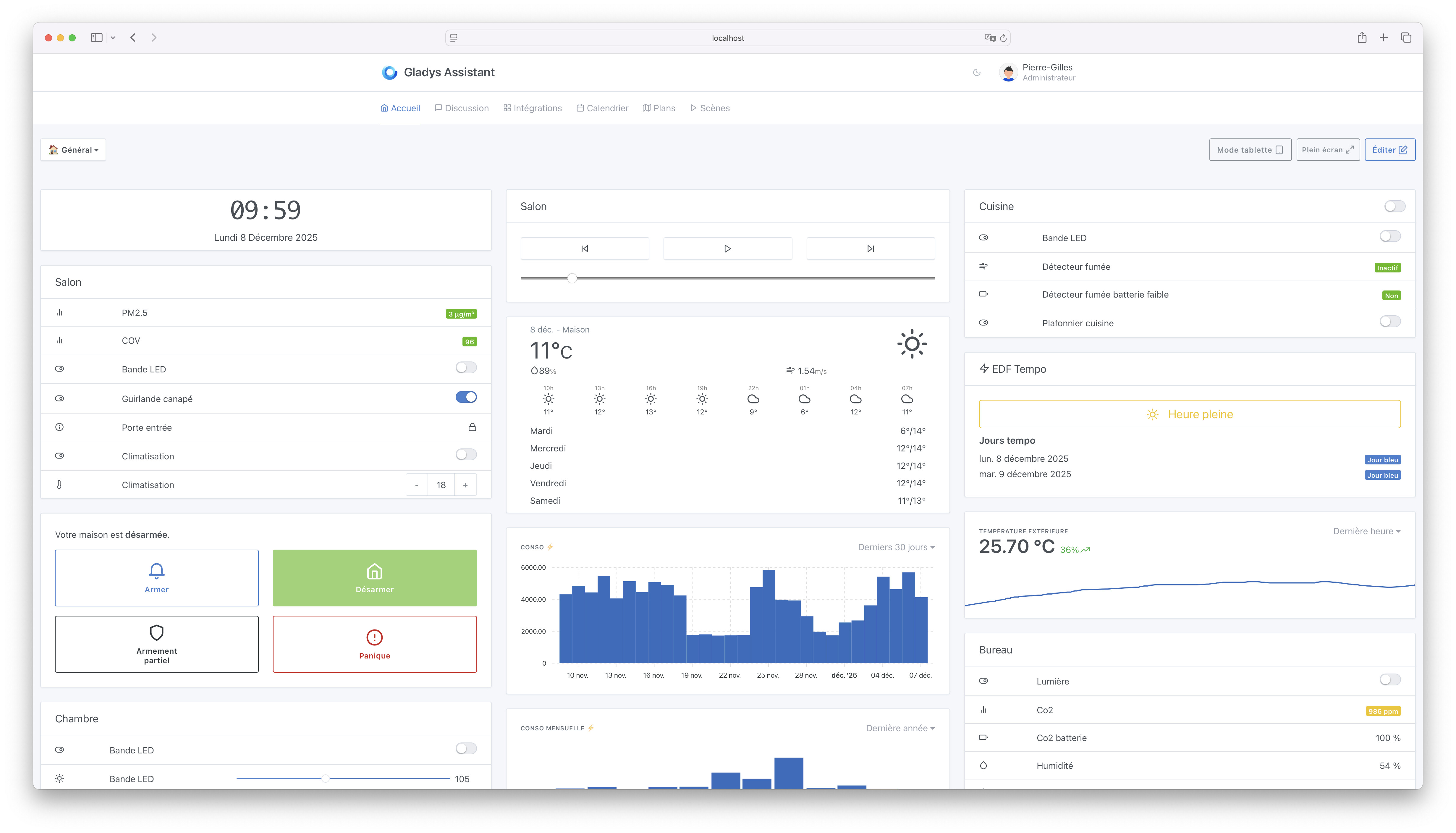
Following feedback from @Prof_Techno about the width of the « Scene » view, I’d like to propose changes to the maximum width of the « Scene » view and the « Dashboard », because these screens currently don’t handle large displays very well
The idea is to allow a wider use of the screen on large displays (>1280px width).
I’d like to propose the following changes (before/after):
If you use Gladys Plus, you can test it at home with this link:
In principle it’s super cool because it makes good use of the full width of the screen, but at a high resolution (3440x1440) the widgets are flattened and I find the rendering is not great and frankly I don’t like it
Here are some examples:
If you compare the two versions you lose display height and you lose consistency between the menu and the alignment of the widgets
Well, it’s rare that Gladys is full screen on my PC; most of the time when I use Gladys it’s on my phone or on a tablet… but if I had to choose today I’d keep the old version because I prefer everything to be well aligned with good proportions rather than widening the widgets just to fill the empty space
You can also see there’s a difference in the left alignment of the text
For the scenes, here’s how it looks at full width
Personally I find it looks big compared to the size of the menu above.
The Duplicate / Delete buttons at the top right and the Start / Save buttons below — it might be better if the bottom buttons were also aligned to the right.
A button to expand the display seems like a good idea
Great news about this work. We’ve been talking about it for years, so I’m fully convinced of the necessity.
The top banner should also follow the widening; as it stands, the rendering is jarring.
For me it’s perfect, whether at 1920 or 3440, I find it much more pleasant, and indeed some widgets may not be adapted yet, and maybe each widget’s presentation needs to be reviewed, but it’s so much better for most.
From my research, it wasn’t best practice, but I can dig deeper!
I think I’ll propose again a version between what we currently have in production (max-width: 1200px) and my proposal at the start of this post (max-width: 100%), for example a max-width: 1800px or 2000px.